


Custom light and dark themes for https://logseq.com/, inspired by Bullet Journals.
If you'd like to support my work: https://paypal.me/piotrsss :)
- Find file
custom.cssin your Logseq repo and remove all of the code. - Paste this into your
custom.css:@import url('https://raw.githack.com/PiotrSss/logseq-bujo-theme/main/main.css'); - Choose and paste code for one of light and dark themes
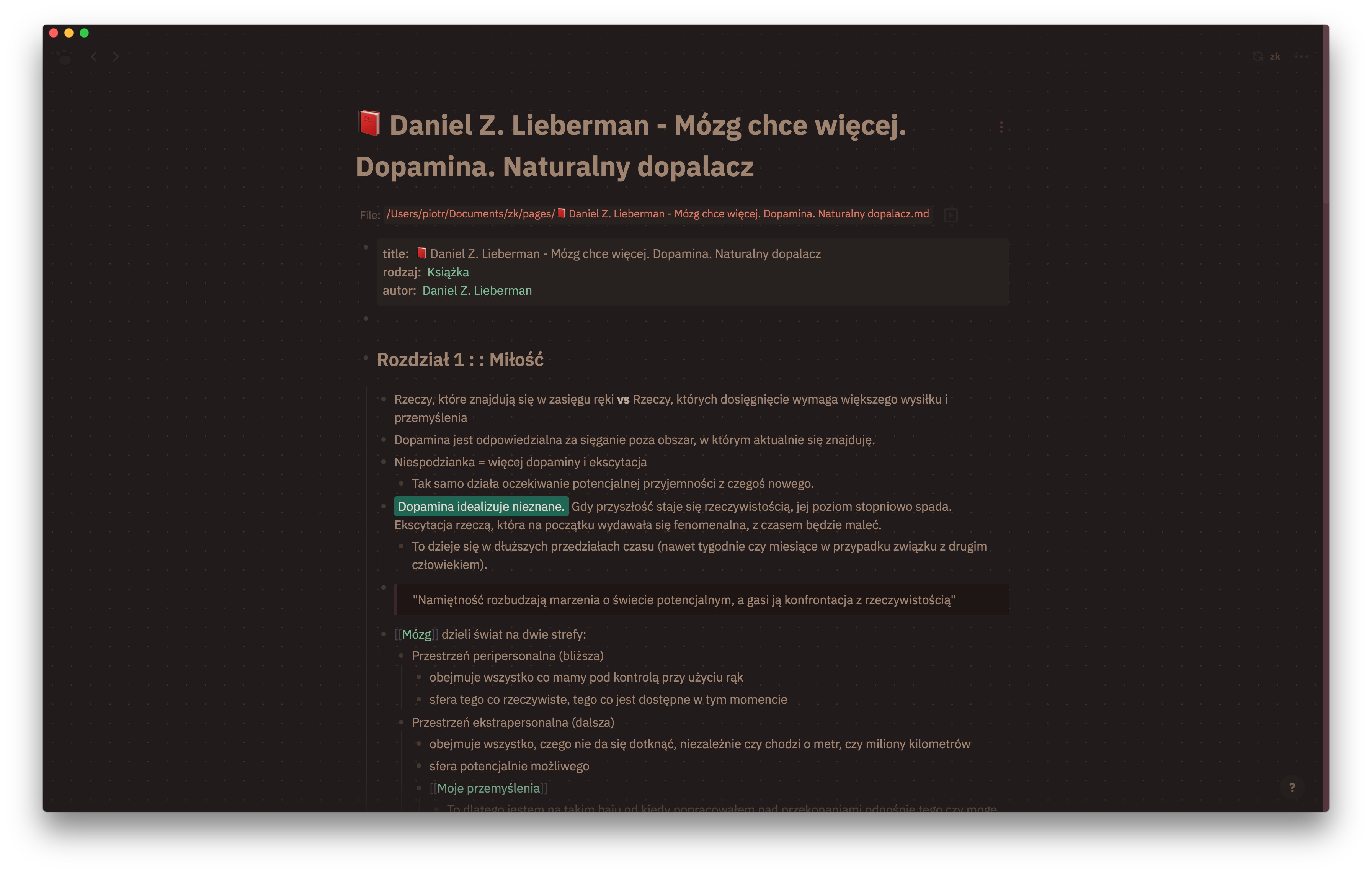
- Coffee (dark theme)
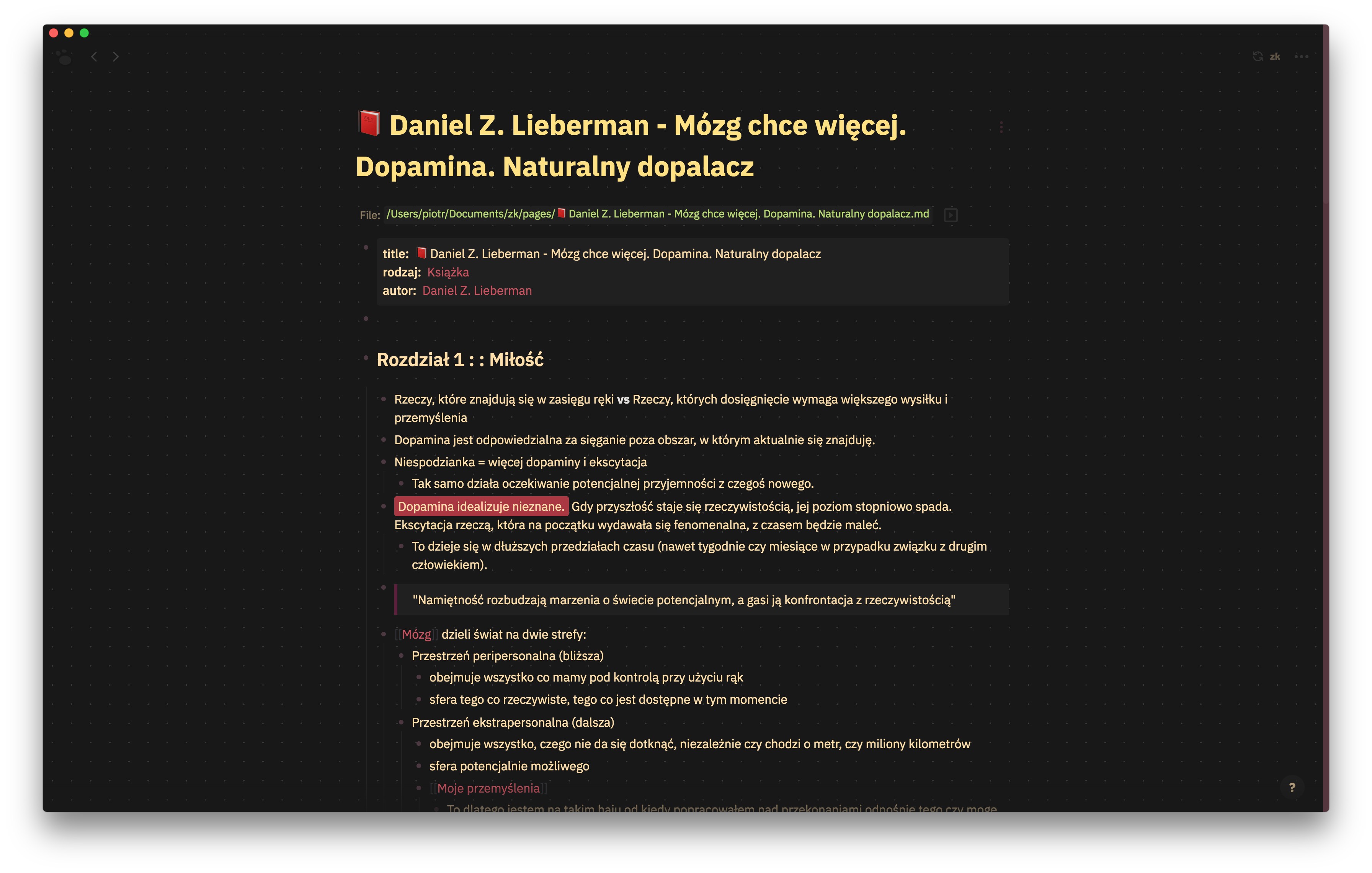
@import url('https://raw.githack.com/PiotrSss/logseq-bujo-theme/main/dark-coffee.css'); - Black (dark theme)
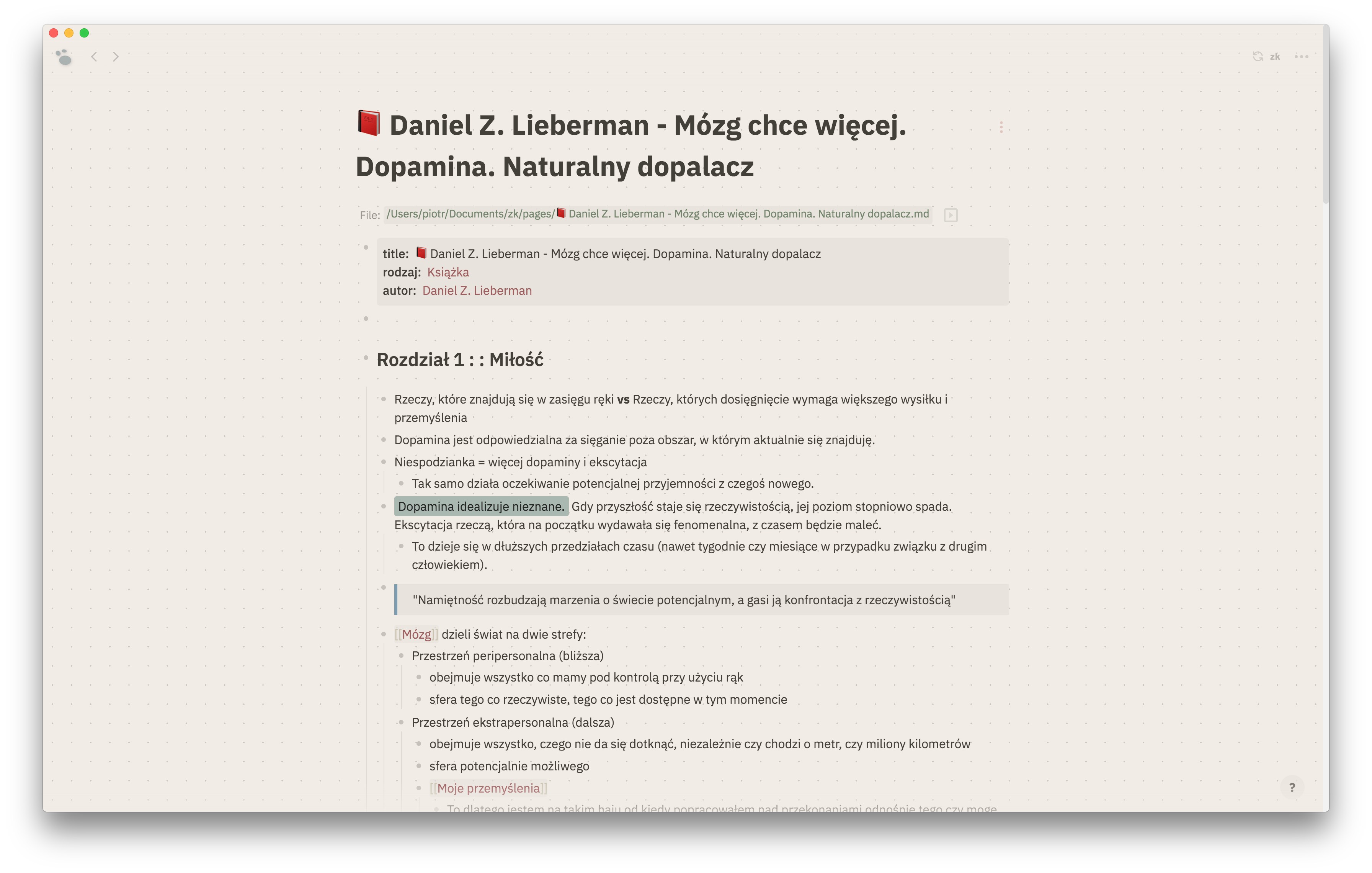
@import url('https://raw.githack.com/PiotrSss/logseq-bujo-theme/main/dark-black.css'); - Sepia (light theme)
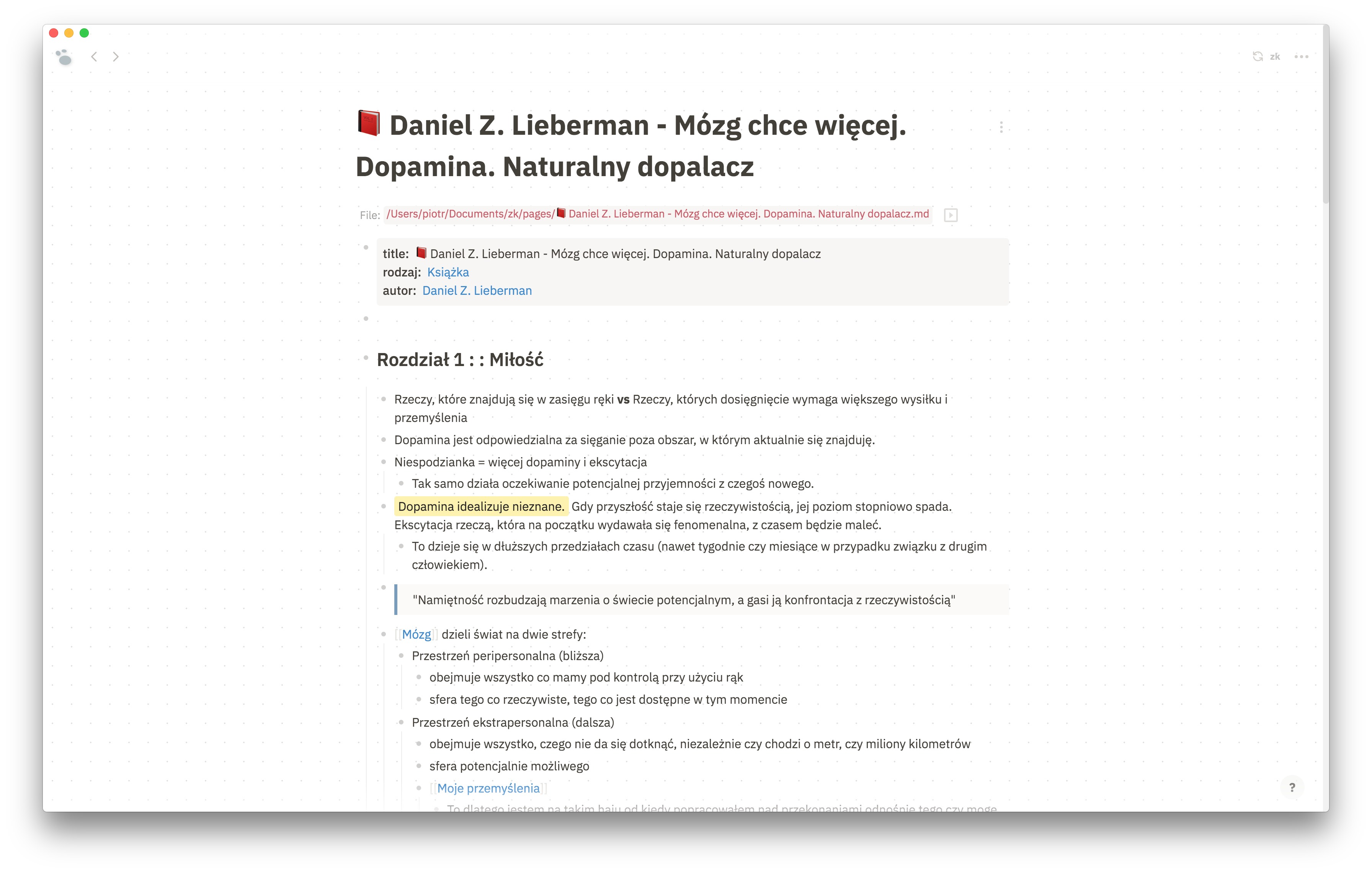
@import url('https://raw.githack.com/PiotrSss/logseq-bujo-theme/main/light-sepia.css'); - White (light theme)
@import url('https://raw.githack.com/PiotrSss/logseq-bujo-theme/main/light-white.css');
- Coffee (dark theme)
An example of how your custom.css file should look like if you decide to use Coffee and Sepia themes:
@import url('https://raw.githack.com/PiotrSss/logseq-bujo-theme/main/main.css');
@import url('https://raw.githack.com/PiotrSss/logseq-bujo-theme/main/dark-coffee.css');
@import url('https://raw.githack.com/PiotrSss/logseq-bujo-theme/main/light-sepia.css');
Or copy content of these files into your custom.css if you want to have them available without internet connection.
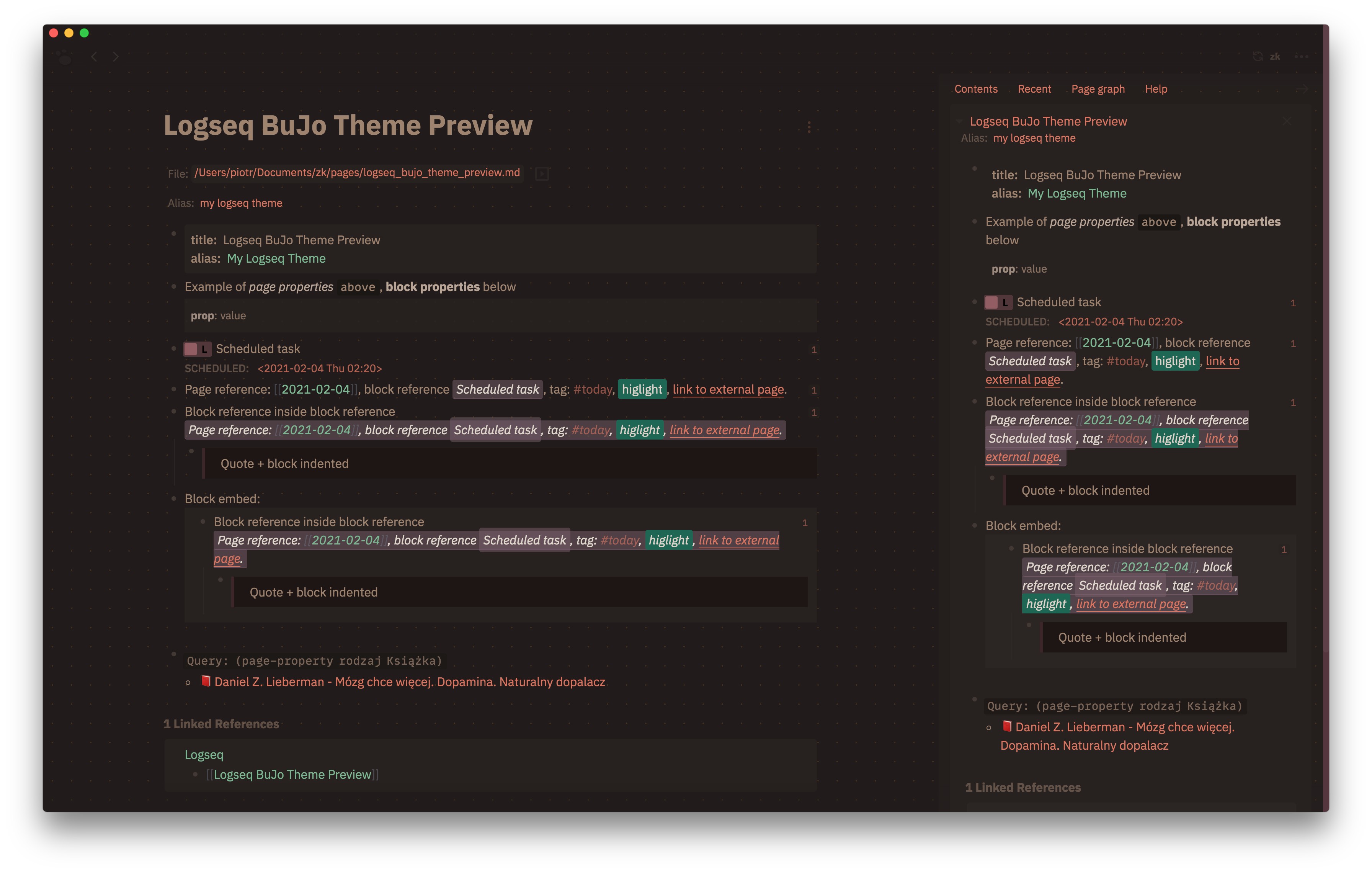
Coffee:
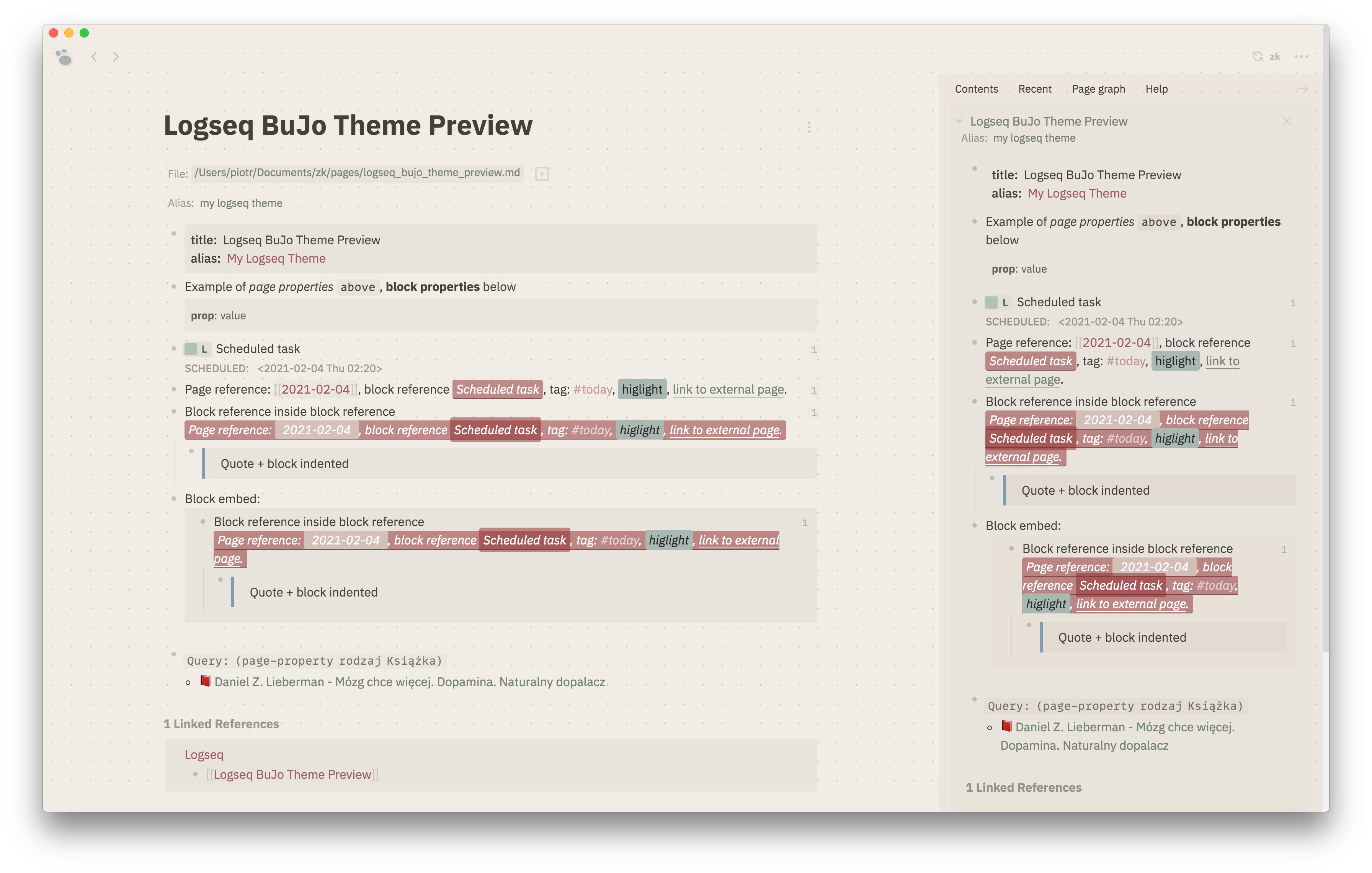
 Sepia:
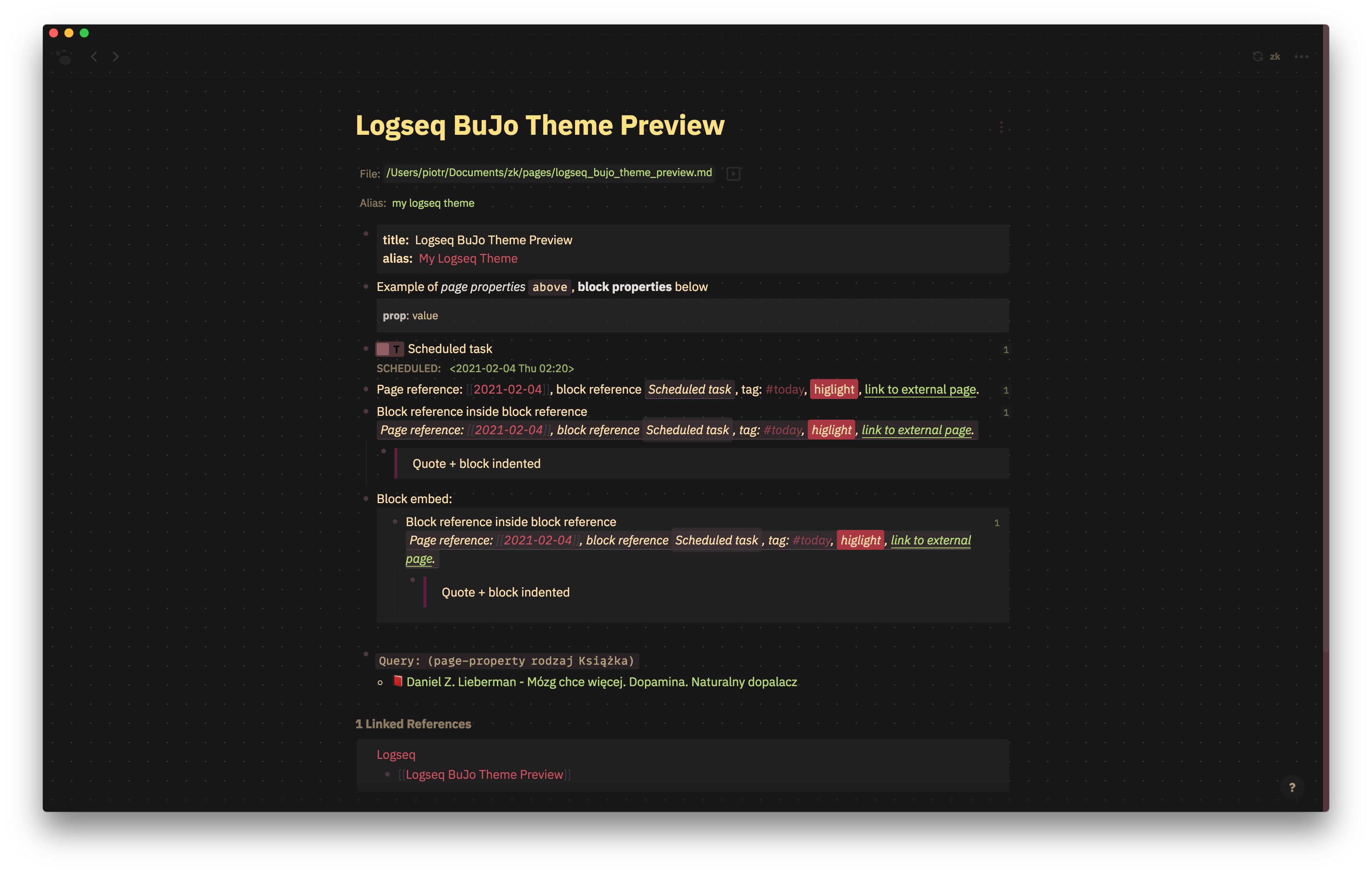
 Black:
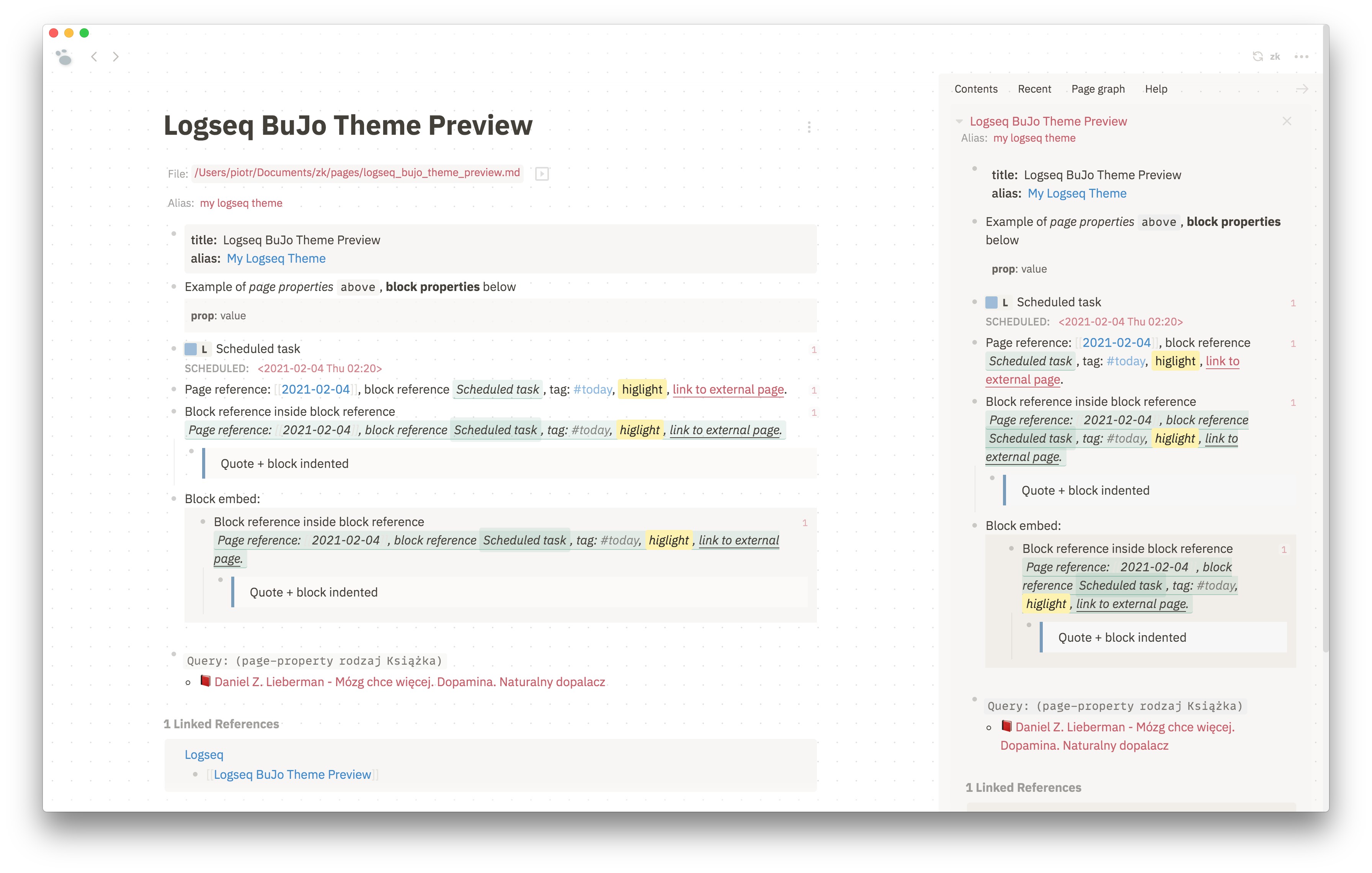
 White:
Coffee:
 Sepia:
 Black:
 White:
Find and remove that part of the code from custom.css, if you don't like dots in background:
.white-theme #app-container {
    background-image: radial-gradient(#e0e0e0 5%, #fff 5%);
    background-position: 0 0;
    background-size: 25px 25px;
}

.dark-theme #app-container {
    background-image: radial-gradient(#373737 5%, #181818 5%);
    background-position: 0 0;
    background-size: 25px 25px;
}