


Beautiful landing page using React.Js with beautiful UI . I used Mobile First Design in this project.
Report Bug
·
Request Feature
Table of Contents
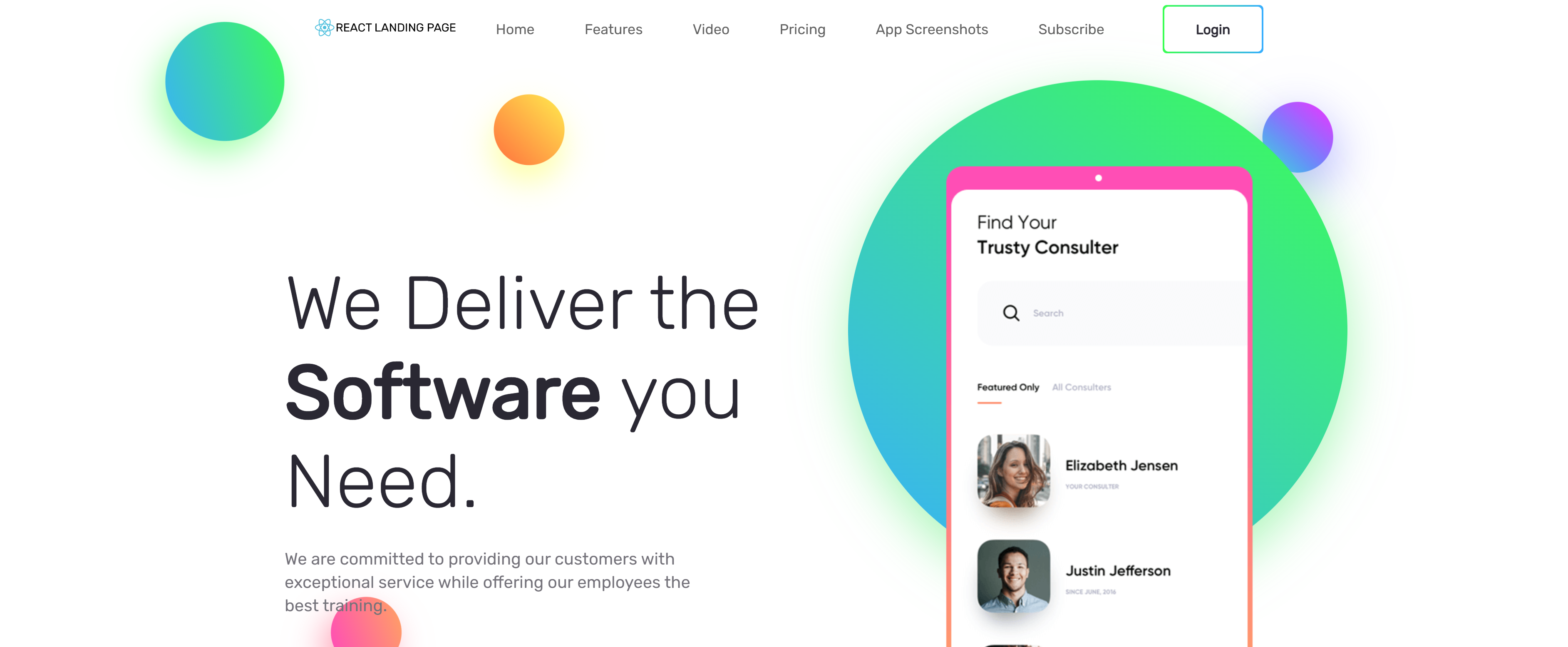

- Fork the repository to make it yours.
- Rename the forked repository to
username.github.io, whereusernameis your GitHub username. - That's it! Navigate to
username.github.ioto see your website :)
If this is your first time making a website and is having trouble getting started, that's ok. Head over to the FAQ section and let me try help you.
- How do I fork this repository?
- How do I rename the forked repository?
- How do I run the project locally?
- Make sure you're logged into GitHub with your account
- Click the Fork button on the upper right-hand side of this page
- Navigate to the main page of the repository. It should be
https://github.com/username/React-landing-page/, whereusernameis your GitHub username - Click Settings
- Under the Repository name heading, type
new repo namethen click Rename
- Open your terminal and then type
$git clone [repository-URL]. - cd into the new folder and type
$npm install --forceThis installs the required dependencies. - To run the React project
$npm start.
If you have a suggestion that would make this better, please fork the repo and create a pull request. You can also simply open an issue. Don't forget to give the project a star! Thanks again!
- Fork the Project
- Create your Feature Branch (
git checkout -b feature/AmazingFeature) - Commit your Changes (
git commit -m 'Add some AmazingFeature') - Push to the Branch (
git push origin feature/AmazingFeature) - Open a Pull Request
Have a bug or an issue with this project? Open a new issue
Siavash - @instagram - [email protected]
Project Link: https://github.com/Siza36/React-landing-page