


A Slidev theme designed for eBPF Vienna meetup presentations. This theme provides a clean, modern interface tailored for technical presentations about eBPF (extended Berkeley Packet Filter).
- 🎨 Custom layouts optimized for technical content
- 🖼️ eBPF Vienna branding and styling
- 📦 Pre-configured with useful Slidev addons
- 🔧 Syntax highlighting for C code examples
- 📱 QR code support for easy sharing
This package is published to GitHub Packages. First, configure npm to use GitHub Packages for the @dklesev scope:
# Create or edit ~/.npmrc
echo "@dklesev:registry=https://npm.pkg.github.com" >> ~/.npmrc
Then install the theme:
npm install @dklesev/slidev-theme-ebpf-viennaOr using pnpm:
pnpm add @dklesev/slidev-theme-ebpf-viennaAdd the following frontmatter to your slides.md:
---
theme: @dklesev/ebpf-vienna
---
Start Slidev and the theme will be automatically applied:
pnpm run devThis theme provides the following layouts:
The title slide layout with eBPF Vienna branding. Features centered content with the eBPF logo and "VIENNA" text at the bottom.
---
layout: cover
---

# Your Presentation Title
optional subtitle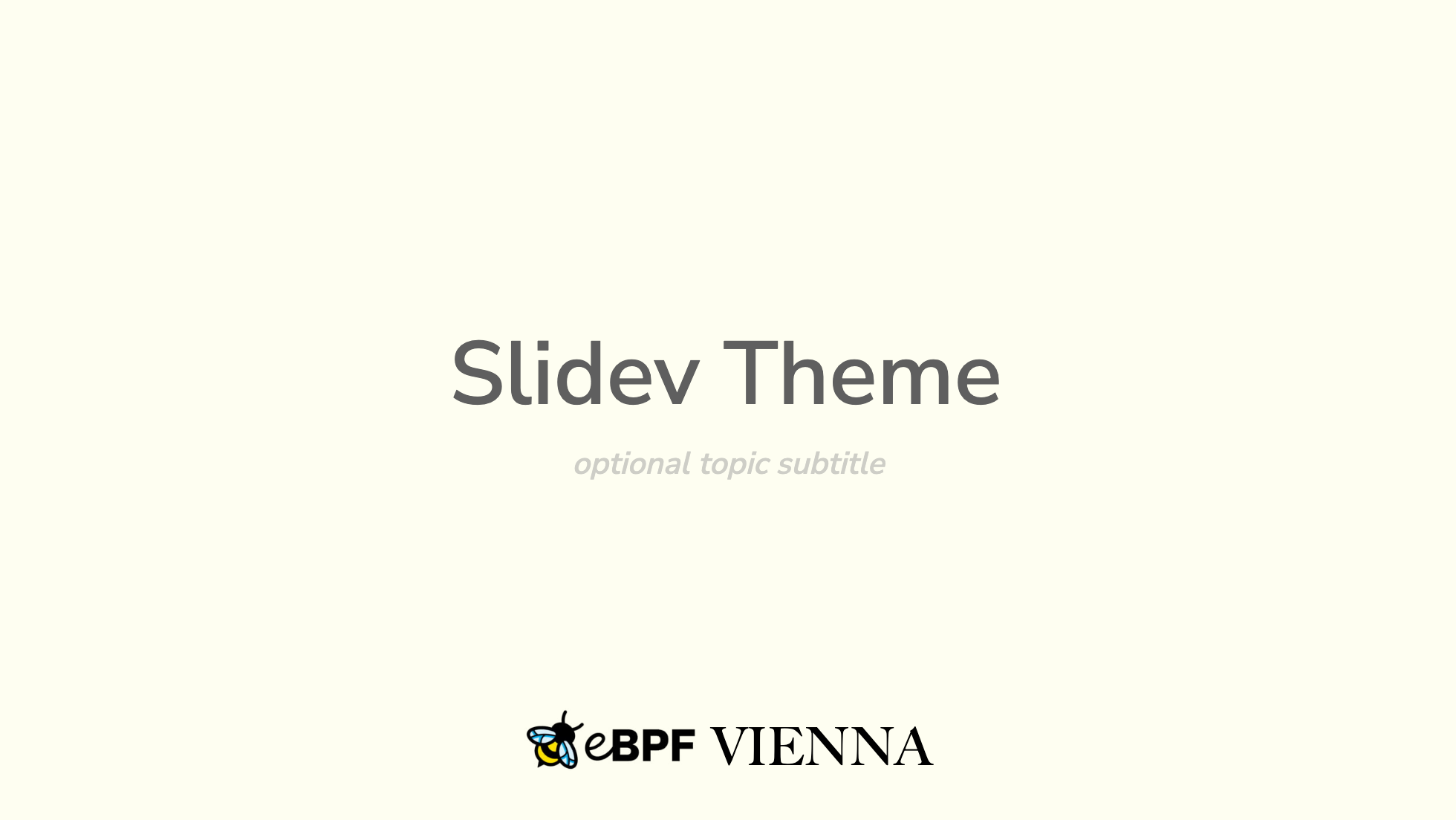
A layout for section dividers or emphasis slides. Content is vertically centered.
---
layout: lead
---

# Section Title
Similar to lead layout, used for introductory content with centered text.
---
layout: intro
---

# Introduction
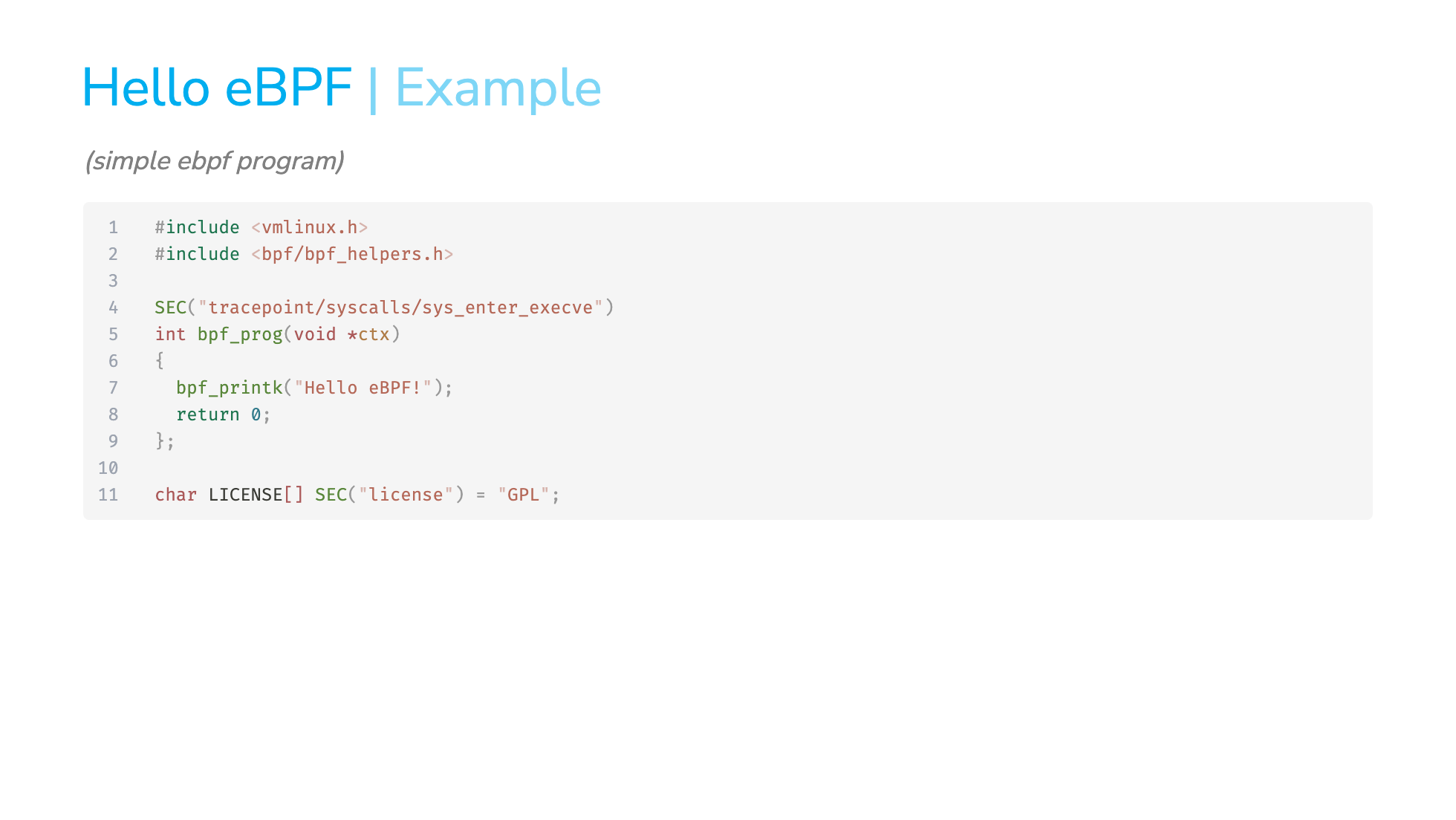
Your intro contentStandard slide layout for regular content.
Blank layout with no default styling, useful for custom content like QR codes.
---
layout: empty
---

<div class="flex flex-col items-center">
  <QRCode data="https://example.com" />
</div>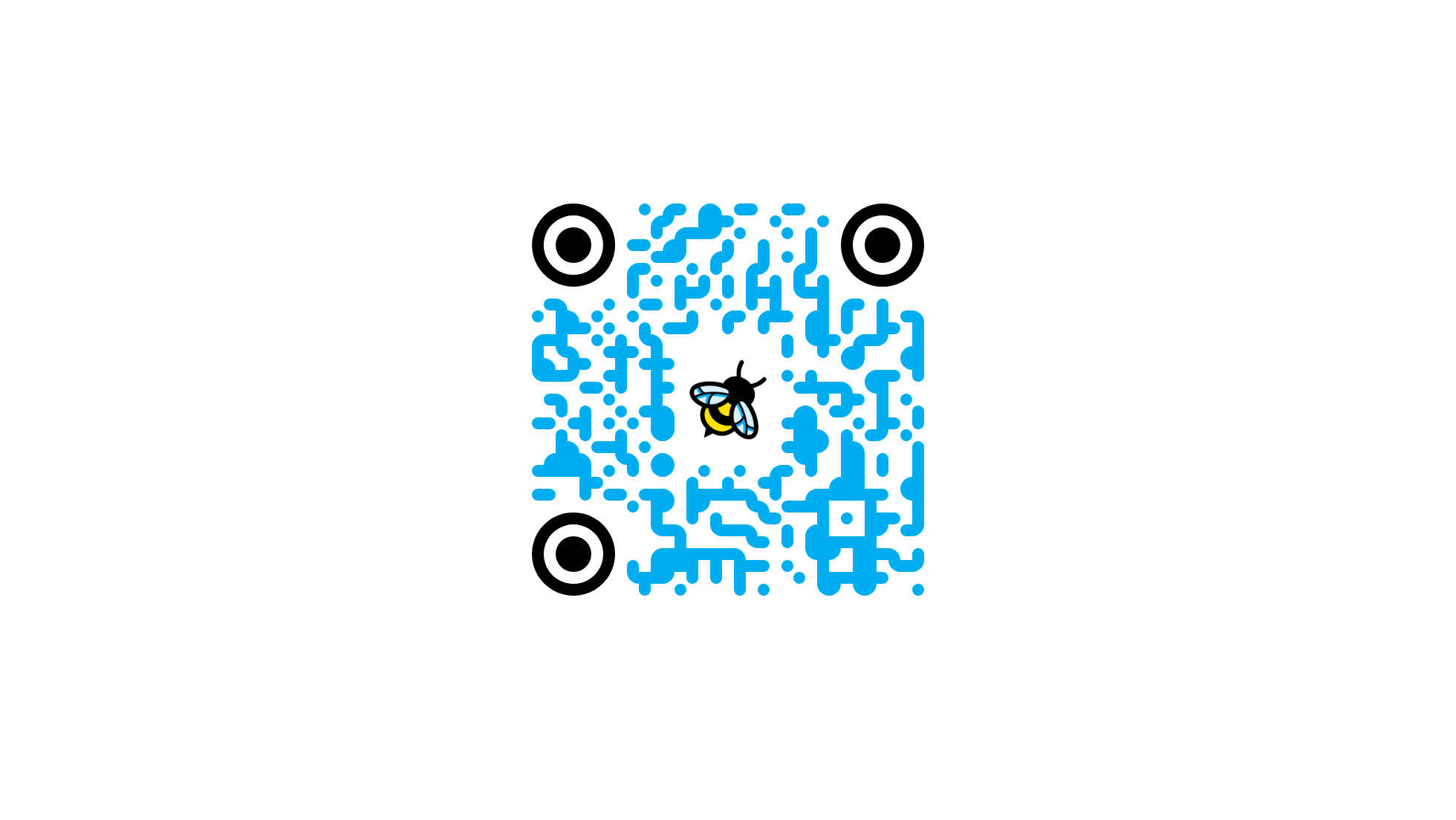
This theme comes pre-configured with:
- slidev-component-spotlight - Highlight specific areas of your slides
- slidev-addon-qrcode - Generate QR codes for easy link sharing
See example.md for a complete example presentation showcasing all available layouts and features.
To preview the example:
pnpm run devTo develop this theme locally:
# Install dependencies
pnpm install

# Start dev server with example slides
pnpm run dev

# Build example slides
pnpm run build

# Export example to PDF
pnpm run export

# Generate PNG screenshots
pnpm run screenshot --output ./screenshotsContributions are welcome! Please feel free to submit issues and pull requests.
- Fork the repository
- Create your feature branch (
git checkout -b feature/amazing-feature) - Commit your changes (
git commit -m 'Add some amazing feature') - Push to the branch (
git push origin feature/amazing-feature) - Open a Pull Request
MIT License - see the LICENSE file for details.
Created for the eBPF Vienna community.