#Gitlab server, GitLab runner setup and maven CI pipeline to push the docker image to ECR #Below are the high-level steps:
1.	Install GitLab server
2.	Install GitLab-runner
3.	Register GitLab-runner using token
4.	Create ECR repository
5.	Import the project and run pipeline
6.	Run the container for checking the the docker image
With Amazon Linux Instance, but depending on your OS flavor you can choose the repo from below website:
https://packages.gitlab.com/gitlab/gitlab-ce
yum install curl policycoreutils-python openssh-server -y
curl https://packages.gitlab.com/install/repositories/gitlab/gitlab-ce/script.rpm.sh | sudo bash
EXTERNAL_URL="`curl http://169.254.169.254/latest/meta-data/public-ipv4`" yum install -y gitlab-ce
Once you installed the GitLab package, you can execute the required configuration utility. This file provides automatic configurations, and you can modify it according to your need. Run the following edit of the GitLab configuration file.

$ sudo vim /etc/gitlab/gitlab.rb
##Now, edit the configuration file to change hostname using external_url variable so that, you can access them from other remote machine using the specified hostname and other parameters:
$ sudo gitlab-ctl reconfigure
Check the GitLab UI from browser:
http://public_ip_of_ec2_instance or http://18.132.245.177
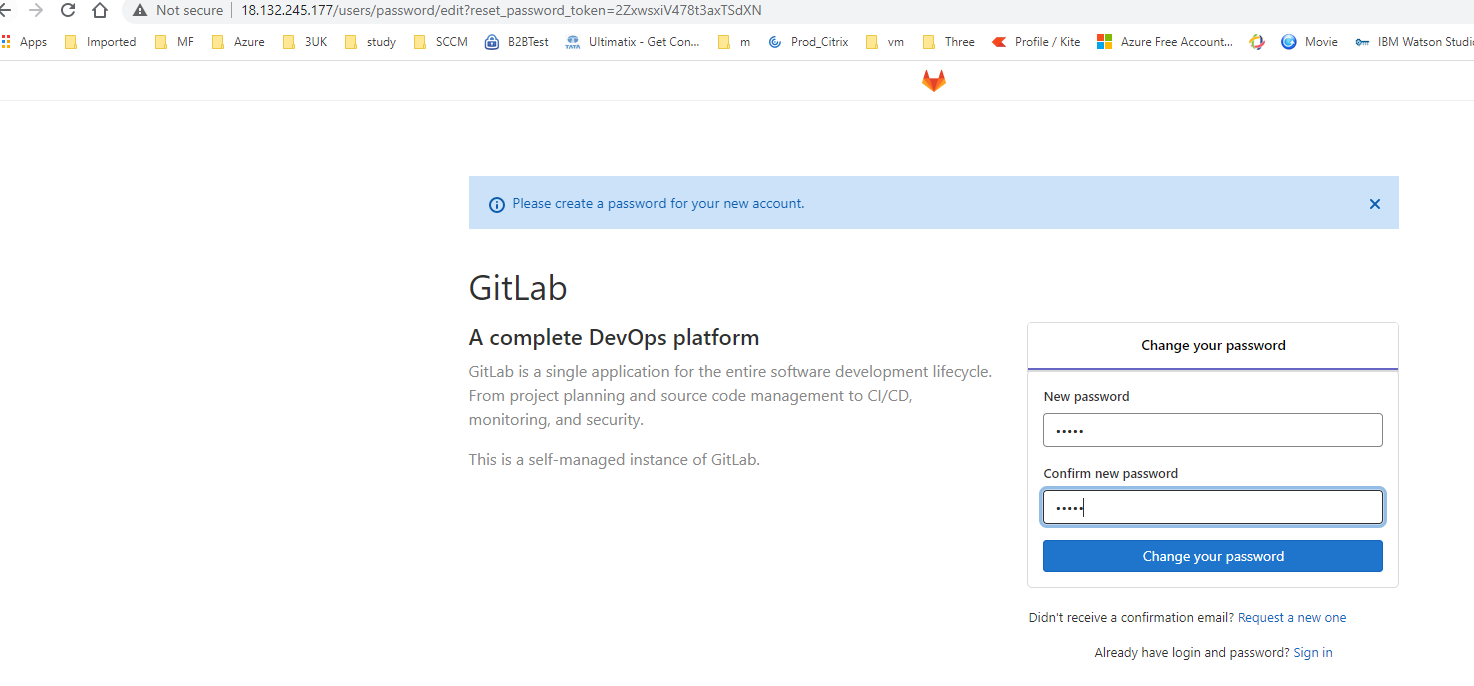
##To access the GitLab web portal that will ask you to set the username and password of root. Enter the new root password. After verifying then, click the ‘Change your password’ option.
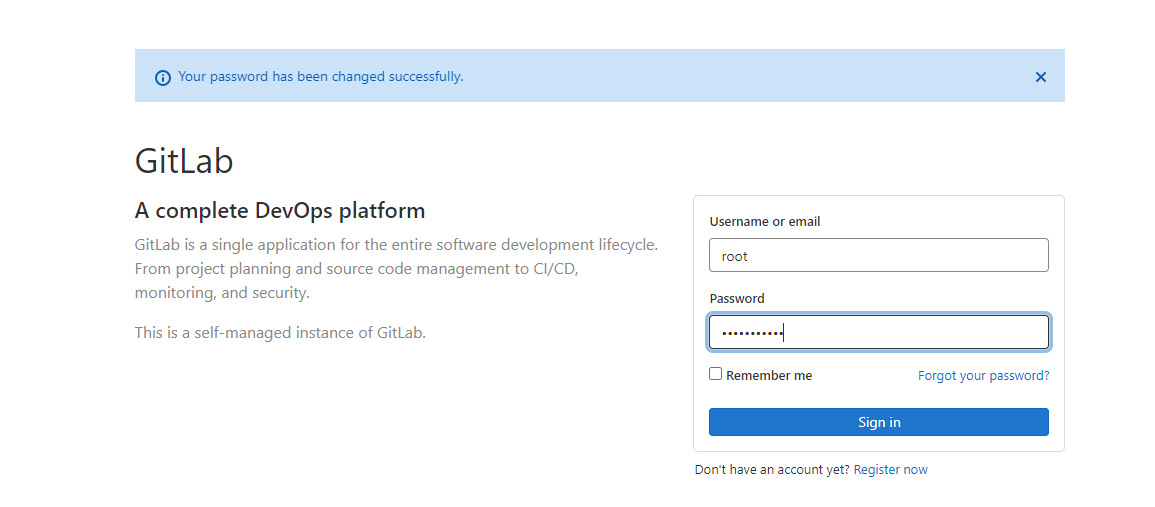
##Now, login with the username as root and then provide the password. You will see the following gitlab dashboard screen on your system.
``` https://docs.gitlab.com/runner/install/linux-repository.html#installing-the-runner ```

- Add GitLab official repository:

```curl -L "https://packages.gitlab.com/install/repositories/runner/gitlab-runner/script.rpm.sh" | sudo bash ```

- Install the latest version of GitLab Runner, or skip to the next step to install a specific version:

``` export GITLAB_RUNNER_DISABLE_SKEL=true; sudo -E yum install gitlab-runner ```

-	To install a specific version of GitLab Runner:
-

```
yum list gitlab-runner --showduplicates | sort -r
export GITLAB_RUNNER_DISABLE_SKEL=true;sudo -E yum install gitlab-runner-10.0.0-1
```
##For registering the runner, we need to get token from GitLab server first.
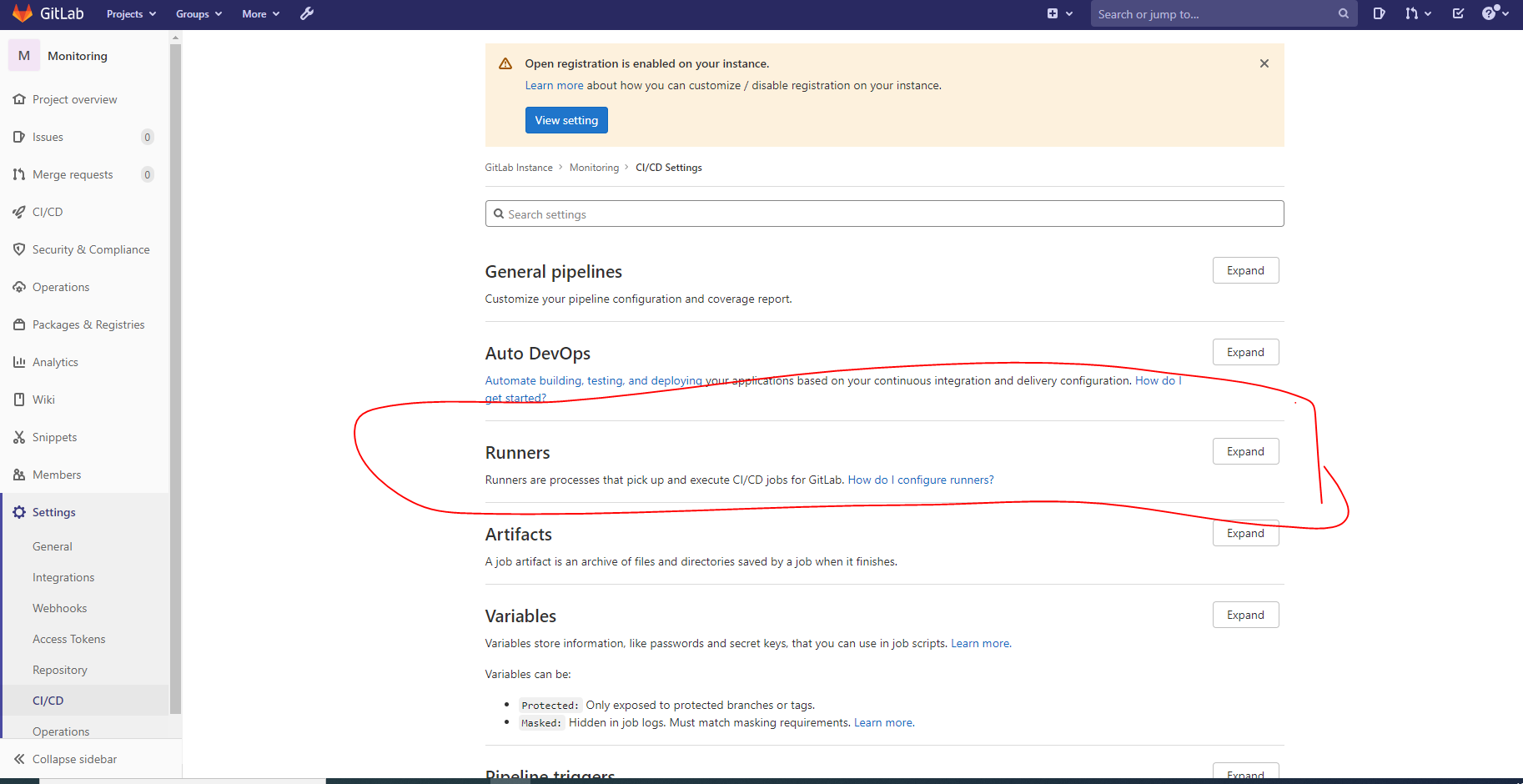
##Copy token and url
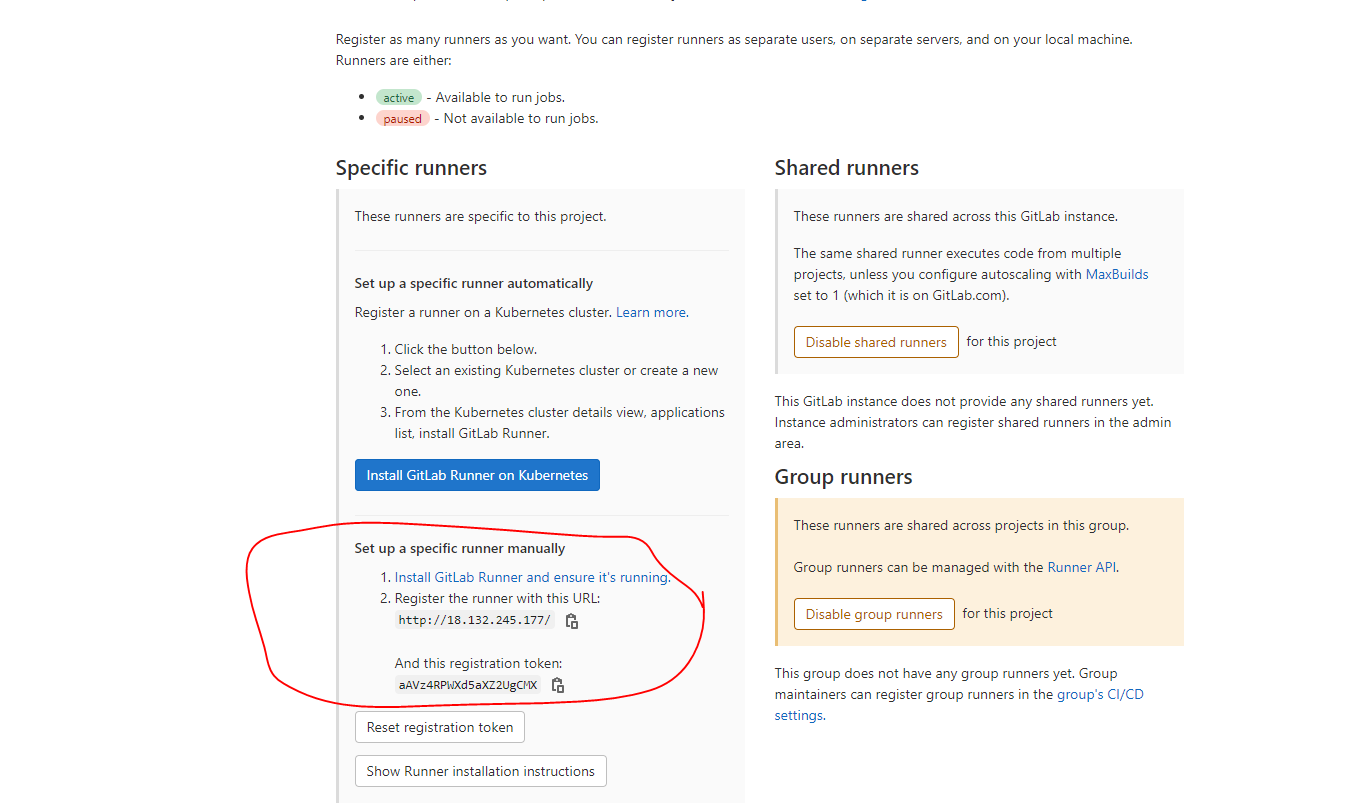
#There are multiple types of runner executer like shell, docker, k8s. For our use case we will use docker executor.
##First install Docker on the server where we are running GitLab Runner. yum install docker -y service docker start chmod 666 /var/run/docker.sock
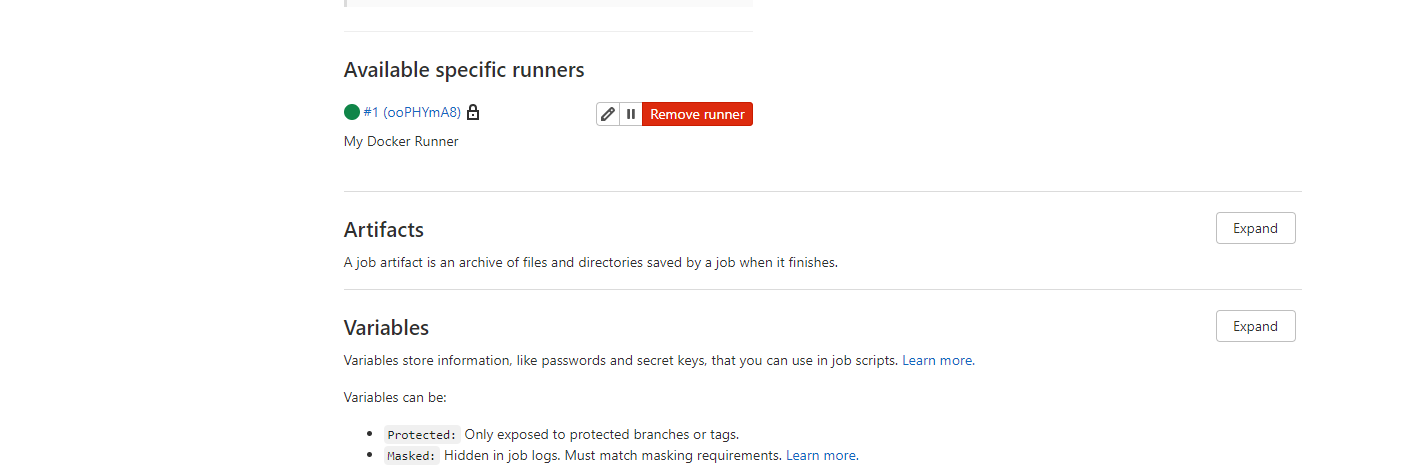
sudo gitlab-runner register -n \
    	--url http://18.132.245.177/ \
    	--registration-token wy79Ym3d37mLD6ckApZY \
   	--executor docker \
    	--description "My Docker Runner1" \
        --docker-image "docker:stable" \
	--docker-privileged

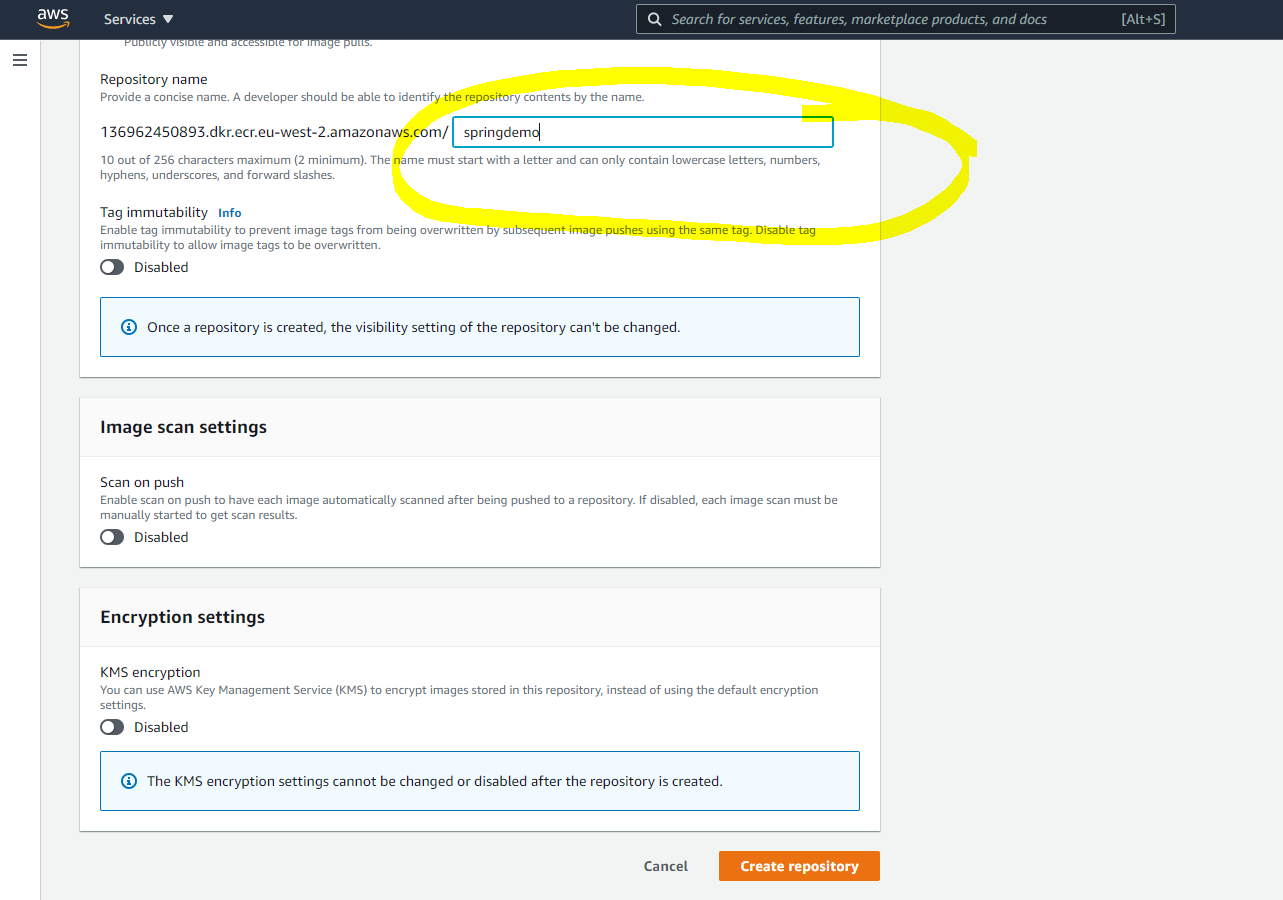
#Goto ECR repository page and create repository with the name : springdemo
#Goto Projects in GitLab and do import project (from github)and specify the below git url to import repo.

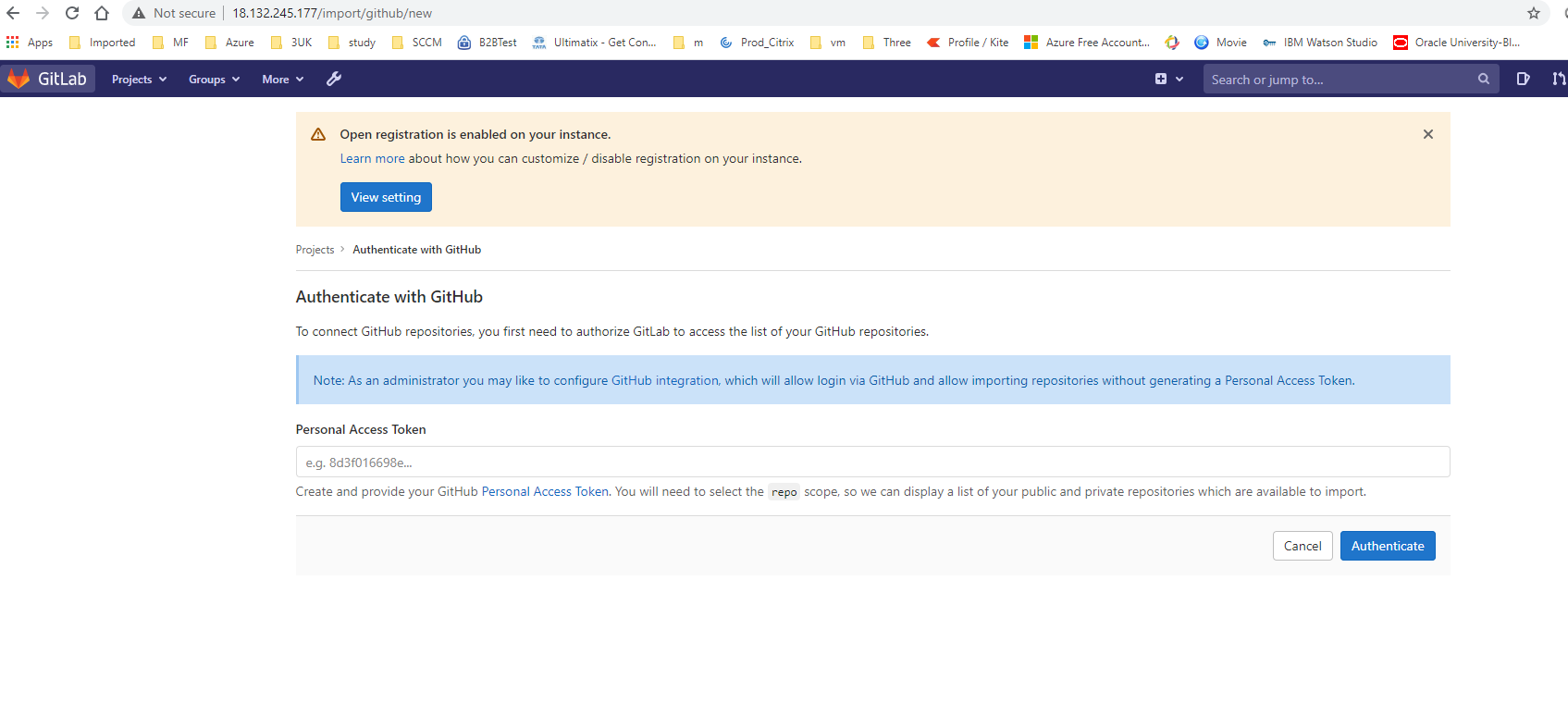
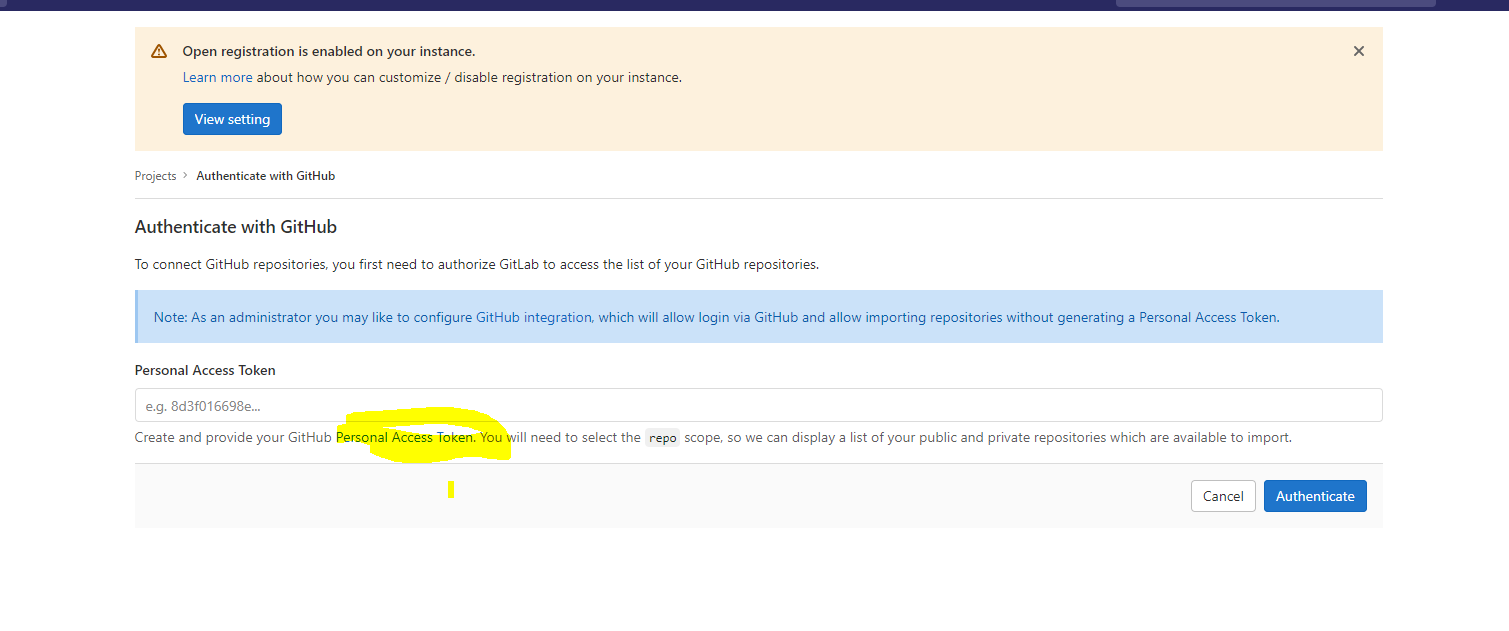
#Github Personal Token
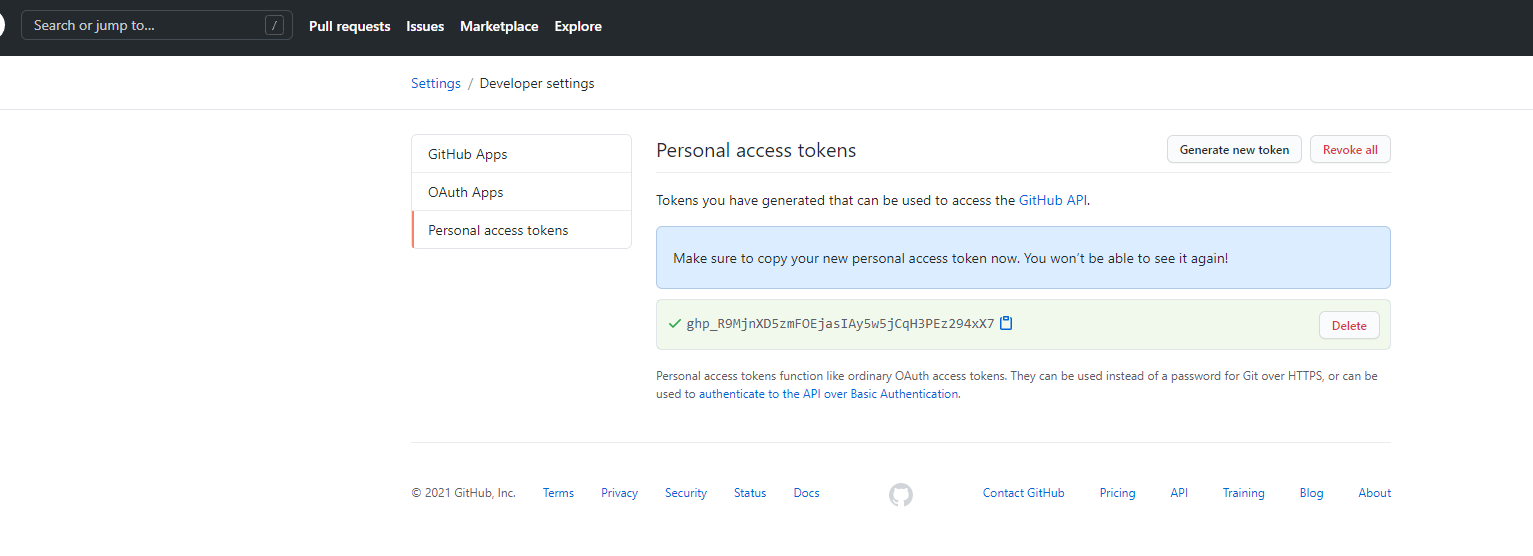
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
#Provide that token in Gitlab:
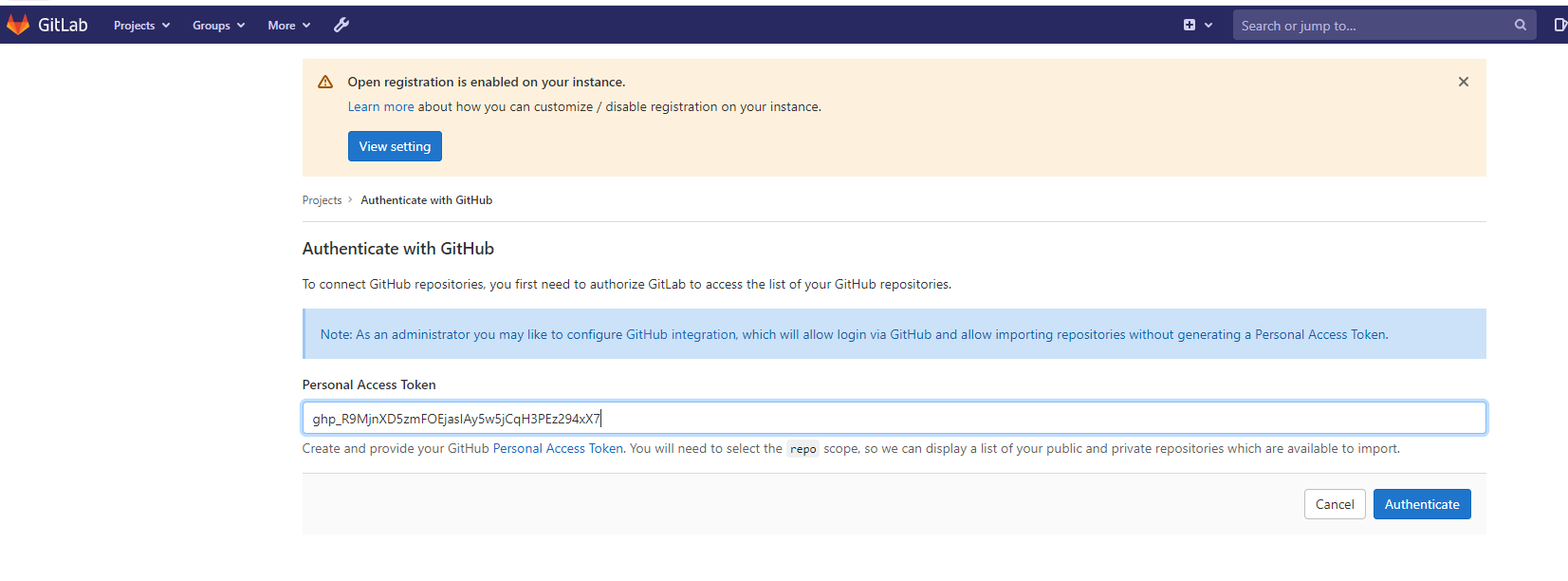
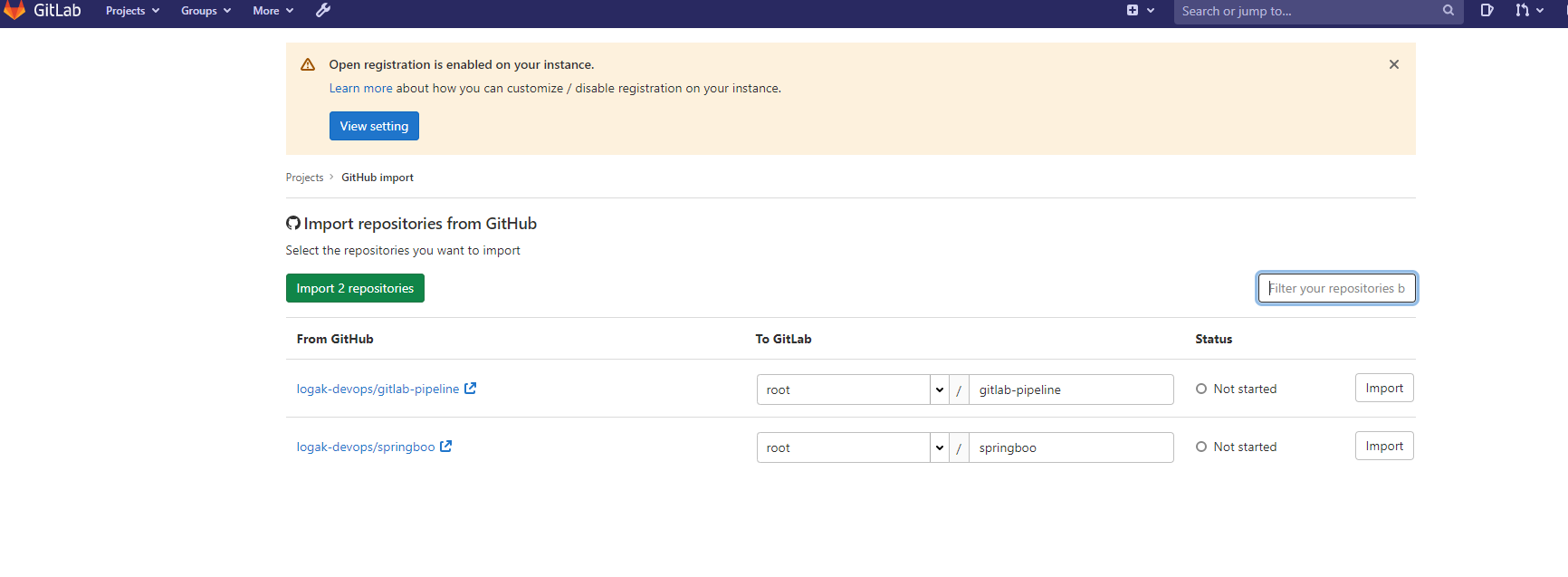
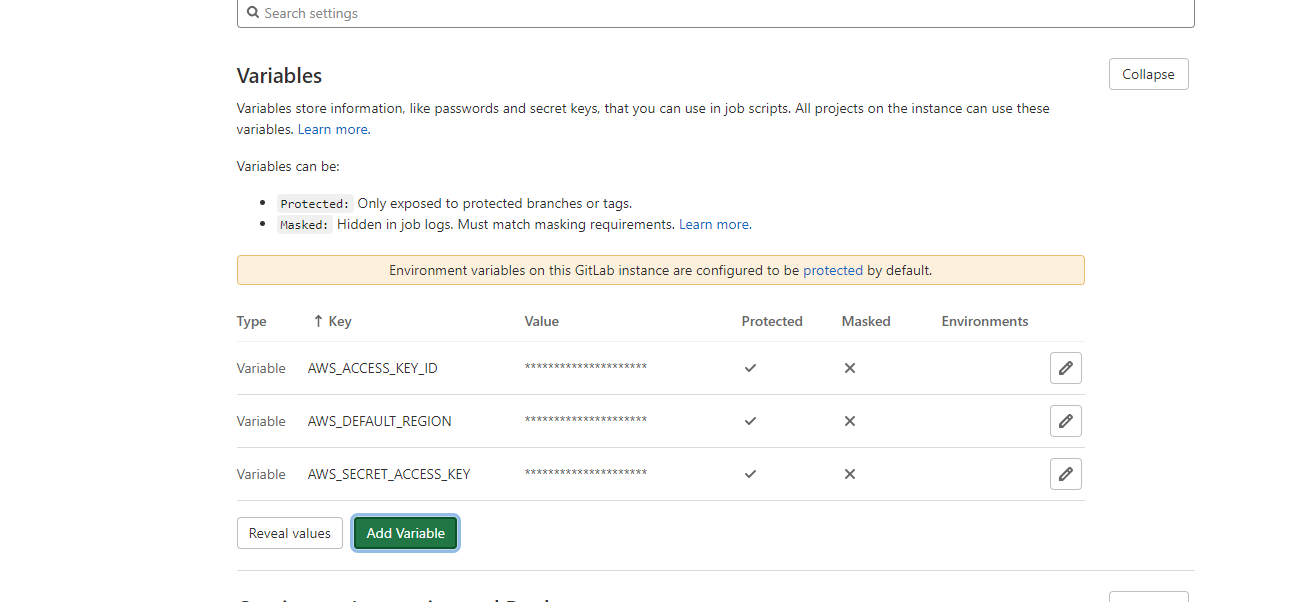
#Now goto CI/CD Variables and add the following AWS variables to access the password of ECR and login to it.
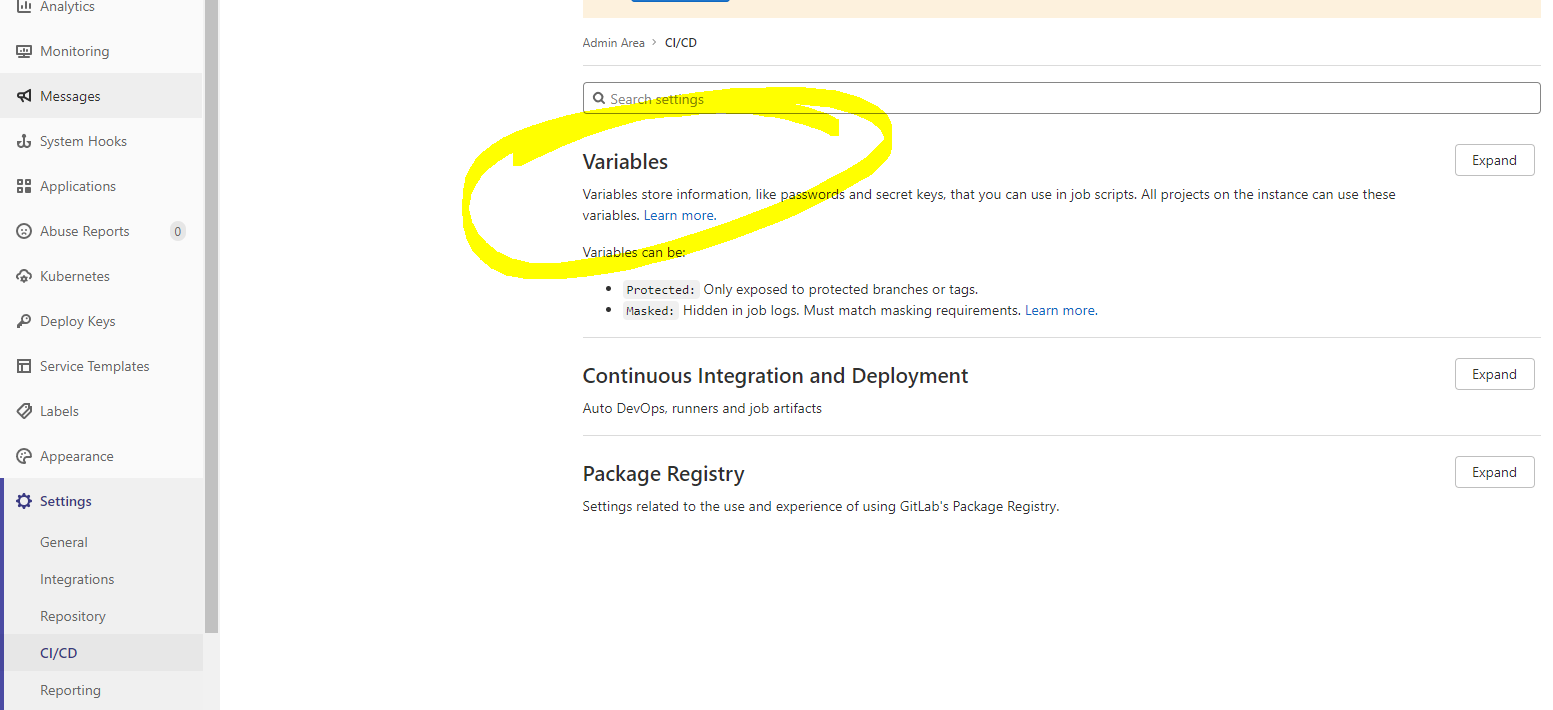
 Variable			Allowed Values
AWS_ACCESS_KEY_ID		Any(access_key_id)
AWS_DEFAULT_REGION		Any(eu-west-2)
AWS_SECRET_ACCESS_KEY		Any(access_key)
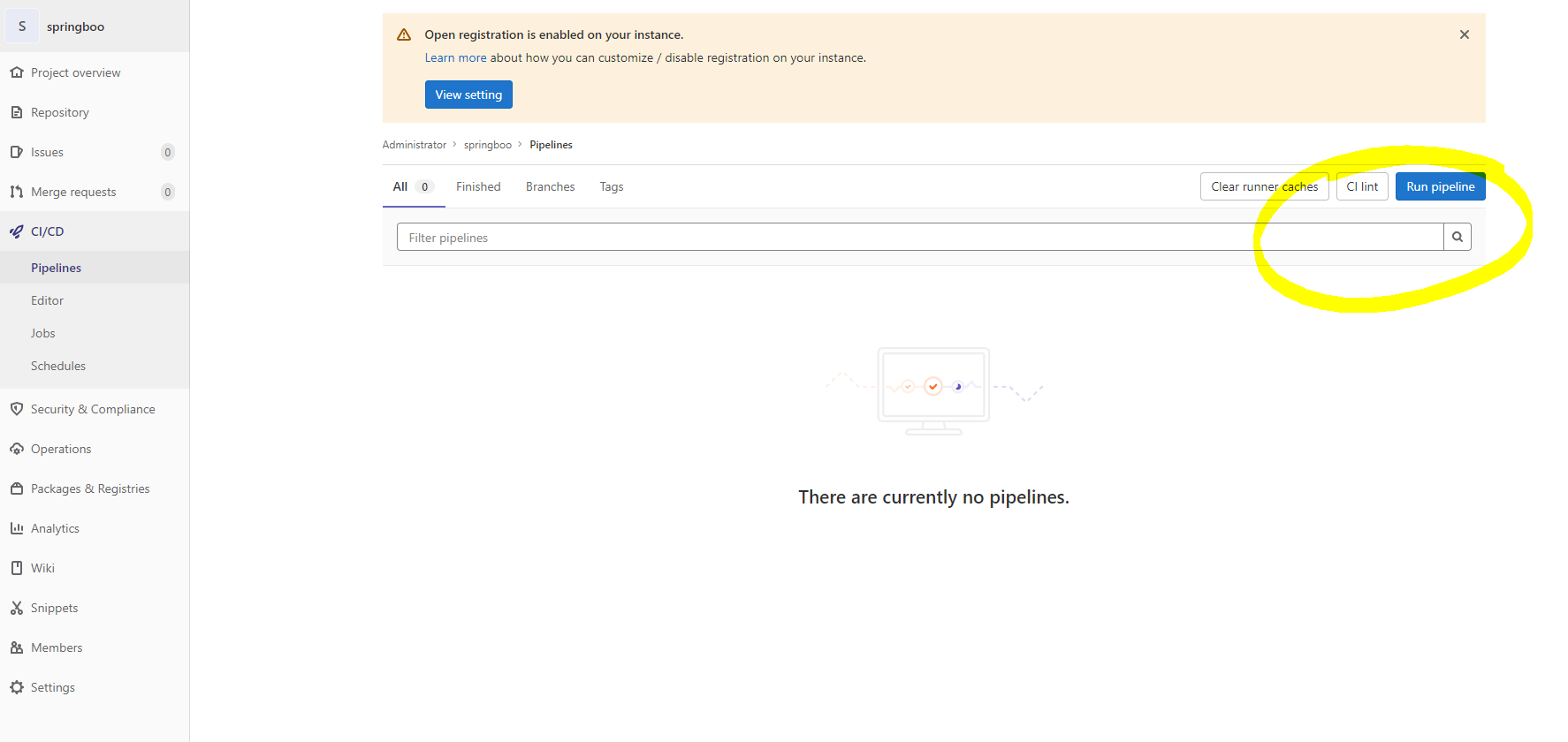
#Once repo is imported, edit the file .gitlab-ci.yml update the DOCKER_REGISTRY: with your ECR repo url and commit it. Once you commit the repo it will auto trigger the pipeline. Or #If you want you can goto projects CI/CD pipeline run project.
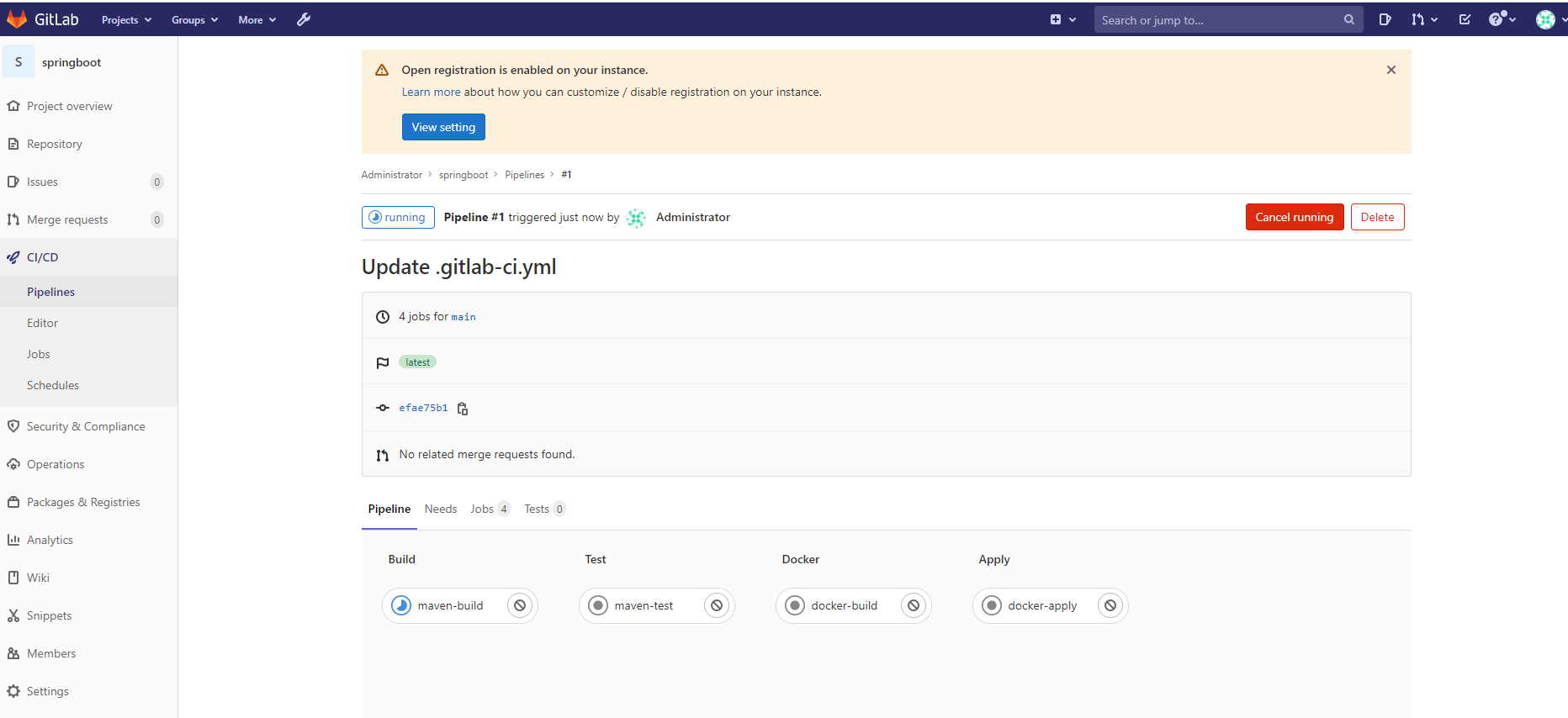
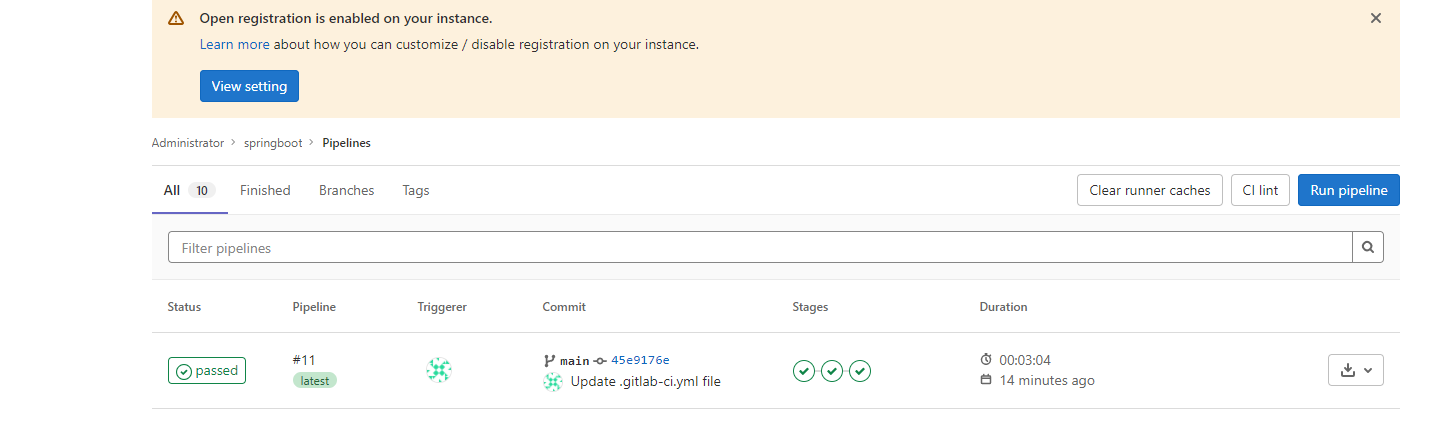
#You can see the stages and status as below :
#Once pipeline is finished you can verify if image is pushed to your ECR repo or not.
#To verify if image is created correctly or not, we can pull the image run the docker container using below command:
AWS Access Key ID [None]: AKIAT6DSXXXXXXXXXXX
AWS Secret Access Key [None]: 5raxCB4Ymy8MXXXXXXXXXXXXXXXXXXXXXXXXXXXXXXX
Default region name [None]: us-east-1
Default output format [None]: json
[root@ip-172-31-67-134 opt]# aws ecr get-login-password --region eu-west-2 | docker login --username AWS --password-stdin 136962450893.dkr.ecr.eu-west-2.amazonaws.com/springdemo

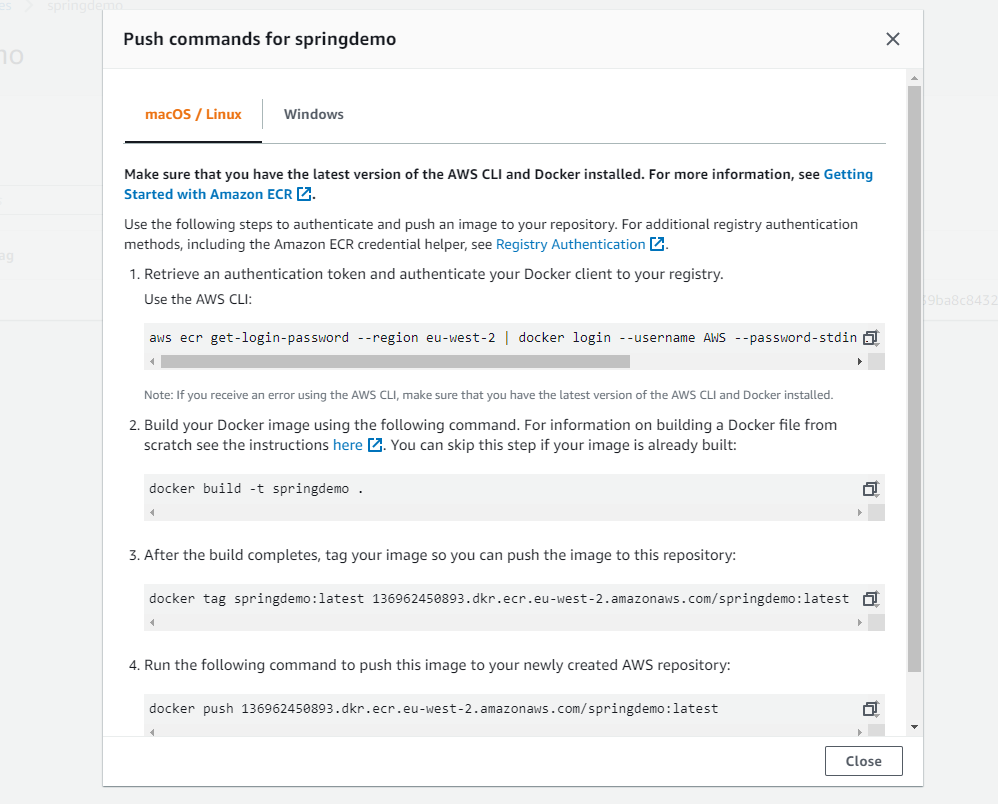
docker pull 136962450893.dkr.ecr.eu-west-2.amazonaws.com/springdemo:10

[root@ip-172-31-9-241 opt]# docker pull 136962450893.dkr.ecr.eu-west-2.amazonaws.com/springdemo:10
10: Pulling from springdemo
050382585609: Pull complete
a8c71082b2bb: Pull complete
4180c4b68a4e: Pull complete
Digest: sha256:2d41b5160094d46d97b39ba8c8432f176970440702dc0369b75a7d73444cdc7c
Status: Downloaded newer image for 136962450893.dkr.ecr.eu-west-2.amazonaws.com/springdemo:10
136962450893.dkr.ecr.eu-west-2.amazonaws.com/springdemo:10
[root@ip-172-31-9-241 opt]# docker ps
CONTAINER ID   IMAGE     COMMAND   CREATED   STATUS    PORTS     NAMES
[root@ip-172-31-9-241 opt]# docker images
REPOSITORY                                                TAG               IMAGE ID       CREATED         SIZE
136962450893.dkr.ecr.eu-west-2.amazonaws.com/springdemo   10                e86b8fe24a03   8 minutes ago   354MB
gitlab/gitlab-runner-helper                               x86_64-7f7a4bb0   4763454e021f   2 hours ago     70.2MB
docker                                                    19-dind           c0272ea5b8a2   10 days ago     236MB
docker                                                    dind              dc8c389414c8   10 days ago     263MB
maven                                                     3-jdk-8           87963037f00b   2 weeks ago     525MB
docker                                                    latest            d2979b152a7d   3 weeks ago     246MB
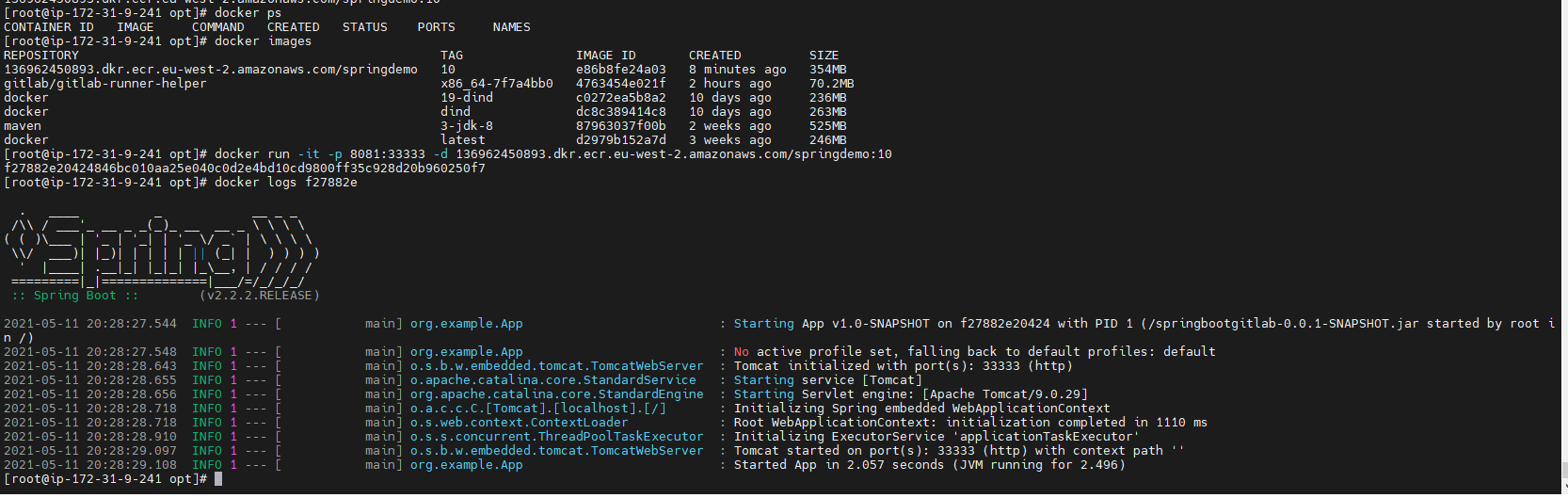
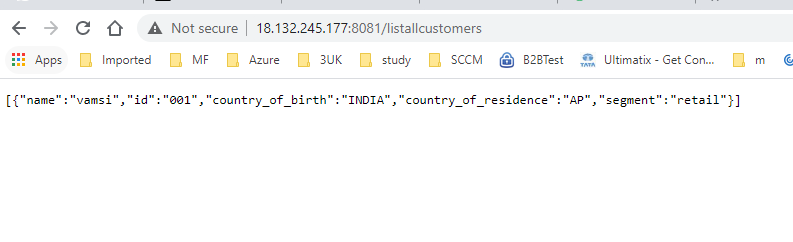
#Open port 8081 and access the http://18.132.245.177:8081/listallcustomers url to check if image working properly or not.