Here we will guide you through the installation process of dnhub.io Local Host Server on your computer.
- This requires Node JS and MongoDB to be installed on your computer.
- If you didn't install the required NodeJS and MongoDB, please follow our Documentation
First visit our Github repository and download the files.
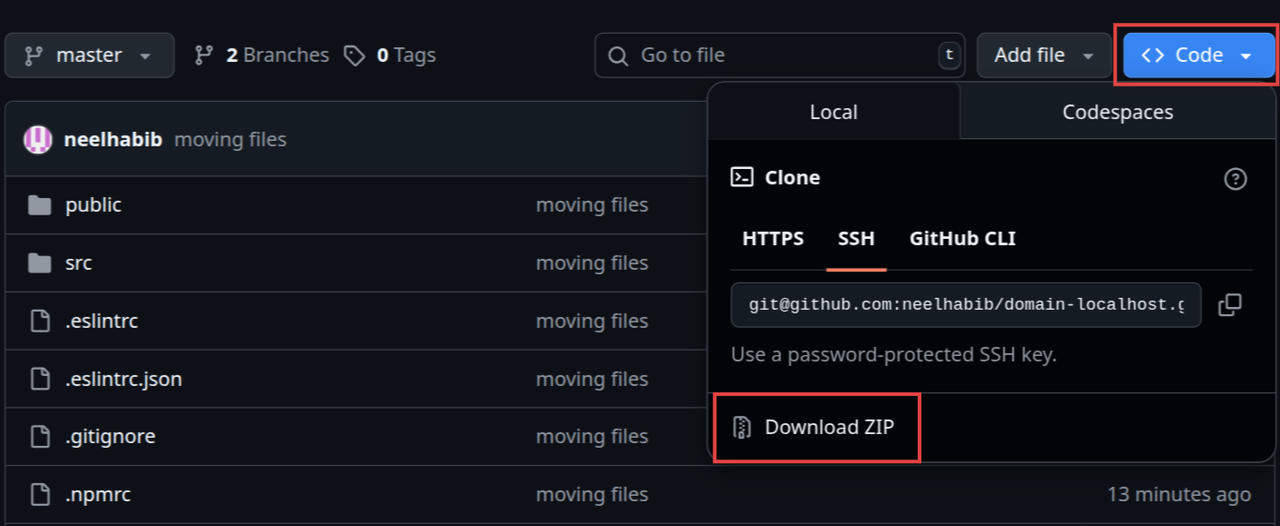
Click on Code dropdown button and click Download ZIP
After downloading the ZIP file, extract it to a folder on your computer.
Now right click within the folder.
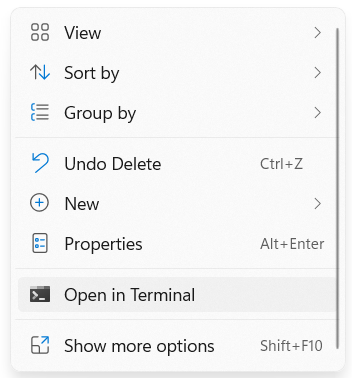
Click Open in Terminal.
This project needs to be installed using npm.
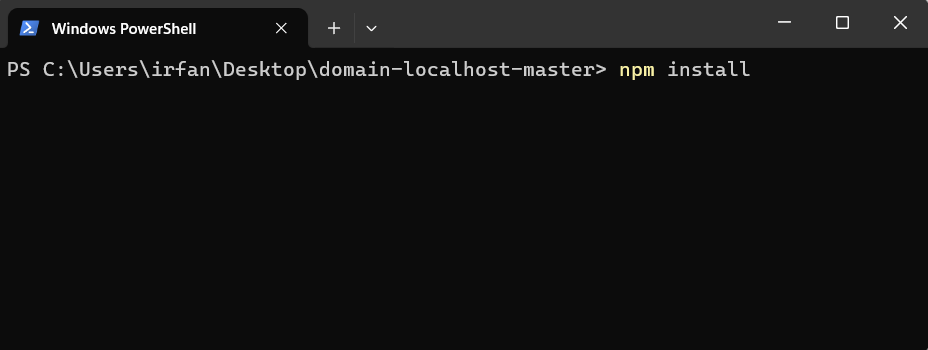
Run npm install.
This may take a few minutes. Please wait until all the dependencies are installed.
Now we will build the project.
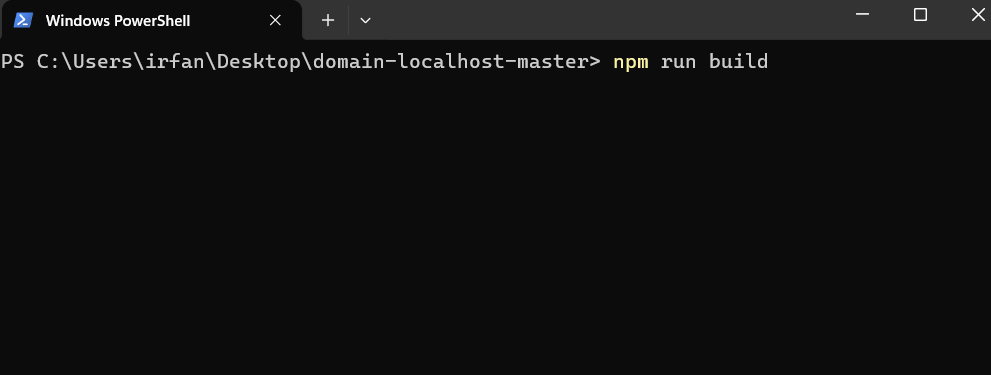
Run npm run build.
This will build the project and takes some time. Please wait until the build is complete.
Now its time to start the application.
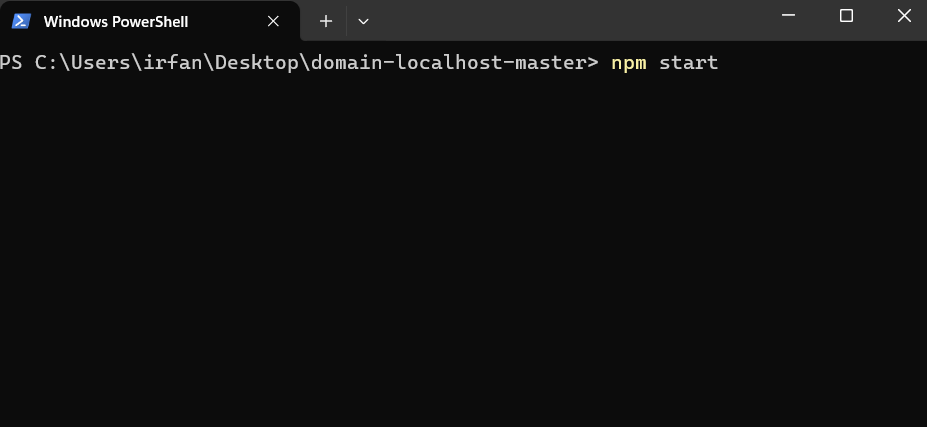
Run npm start.
Wait for the server to start.
Now you can access the application at http://localhost:5000.
# Install dependencies
npm install

# Build the project
npm run build

# Start the application
npm start
The application will be available at: http://localhost:5000